







Your tech support vendor answers calls quickly, but the difficult tickets keep ending up with your engineers if yours is not a priority account for a provider working with hundreds of high-profile clients. A customer locked out by SSO gets a scripted password reset. An API error gets escalated without anyone trying to reproduce it. When your account manager changes, you explain the product all over again. That’s usually when teams start looking for alternatives to big call centers for tech support.
This gap is getting wider as AI takes over routine contacts. Recent research from Gartner shows 85 percent of customer service and support leaders are expanding human agent responsibilities, as AI reduces contact volume and shifts agent work toward higher-value tasks. Yet customers still expect a person to be available: a recent Gartner customer survey found 87 percent say companies using GenAI must offer a way to reach a human agent. For tech support, that means the human queue holds more of the complex cases that scripted Tier 1 agents struggle with.
The best alternatives to big call centers for tech support are specialist partners matched to the support tier you need covered. Specialist BPOs run L1 through L3 programs, engineering-led firms handle code-level L3 work, and on-demand providers add flexible L1 and L2 capacity. Our shortlist: Helpware, SupportYourApp, SupportSave, ScienceSoft, Simply Contact, Peak Support, and Influx.
Key Takeaways
- Big call centers are often built for high-volume, scripted Tier 1 work. Technical support needs agents who know your product, escalate cleanly, and work inside your tools.
- Choose a provider based on the tiers you need covered. A giant is still a strong choice for high-volume consumer L1 across many countries.
- Specialists tend to do better with L2 troubleshooting, API and integration issues, and mid-size programs that need close attention.
- Before you sign, test finalists with five real tickets. Their escalation notes show more about their skills than a sales presentation.
- When you move off a giant, run the old and new teams in parallel for a period, and keep your knowledge base as the single source of truth.
Our rankings are compiled using publicly available information and objective evaluation criteria. We strive to ensure that every ranking is fair, transparent, and based on the same methodology for all companies.
Big Call Center Alternatives for Tech Support at a Glance
This table compares each provider on the details that shape a tech support contract: which tiers it covers, where its teams work, and what it publishes about pilots and pricing.
| Provider | Best For | Model | Tiers Covered | Delivery Locations | Rating* (Clutch) |
|---|---|---|---|---|---|
| Helpware | Mid-market tech and regulated programs | Managed, dedicated teams | L1 to L3 | US, Puerto Rico, Mexico, Philippines, Europe, Uganda | 4.8 |
| SupportYourApp | SaaS and tech companies needing full tiers | Managed, dedicated or shared | L0 to L3 | Seven-plus locations (not itemized) | 4.8 |
| SupportSave | Compliance-heavy Tier 1 to 3 programs | Managed outsourcing | Tier 1 to 3 | North America, Latin America, Asia Pacific, EMEA | N/A |
| ScienceSoft | Engineering-led L3 and IT help desk | Managed help desk | L1 to L3 | US office; delivery not itemized | 4.8 |
| Simply Contact | European and regulated programs | Shared or dedicated teams | Tier 1 to 3 | Central and Eastern Europe | 4.8 |
| Peak Support | SaaS teams wanting experienced agents | Dedicated teams | Tier 1 and 2 | US and the Philippines | 4.9 |
| Influx | Flexible L1 and L2 capacity | On-demand or managed | L1 and L2 | 15-plus countries | 4.1 |
*Review-site ratings appear for context only and didn’t affect the order.
Why Tech Support Breaks at Big Call Centers
The short answer to this would be that large contact centers are usually designed to handle repeatable questions efficiently across thousands of agents. Technical support exposes the limits of that design in four common ways.
Scripts are built for speed, not troubleshooting
Large contact centers typically measure agents on handle time and script adherence. A Tier 1 (also called L1) agent working from a decision tree resets a password in minutes. The same agent gets stuck when a customer reports a webhook failure that the script doesn’t cover. Before you talk to vendors, map your own tier 1 vs. tier 2 support handoff. You’ll know which ticket types need agents with deeper product knowledge.
Escalations come back to your engineers
When an L1 agent can’t reproduce an issue, the ticket usually moves up with only a few lines of notes. Your engineers then have to reconstruct what happened, ask the customer the same questions again, and fix the problem themselves. You end up paying for outsourced technical support while your own team still handles the hardest queue.
Agent turnover means constant retraining
The escalation problem gets worse when agents don’t stay on your account. High-volume floors often move agents between clients, and each departure takes product knowledge with it. Your team then spends hours training replacements. Ask each vendor whether you’ll get dedicated or shared teams, and ask how long agents typically stay on a program like yours.
Mid-size accounts get less senior attention
At a specialist provider, a 40-seat program is often a significant account. At a global provider that serves many enterprise clients, it’s one of many accounts. The difference shows up in practical ways: who manages your account, how quickly the vendor acts on your change requests, and whether it warns you about a struggling queue before your customers notice.
Match Each Support Tier to the Right Provider Type
Most of these problems come from asking one type of provider to cover every tier. A more reliable approach is to sort your tickets by tier and then match each tier to the provider type that handles that work well. Many programs end up using two types of partners.
| Support Tier | Typical Tickets | Big Call Center | Specialist BPO | On-Demand Provider | Engineering Partner | Keep In-House |
|---|---|---|---|---|---|---|
| L0, self-service | Help center, AI chatbot, status page | Partial | Strong | Limited | Limited | Own the content |
| L1, front line | Logins, setup steps, known errors | Strong at high volume | Strong | Strong | Overkill | Rarely |
| L2, troubleshooting | Integrations, API errors, configuration, log reading | Inconsistent | Strong | Partial | Strong | Sometimes |
| L3, engineering | Bug reproduction, code-level fixes, infrastructure | Rare | Partial | No | Strong | Often |
Two setups are common in mid-market programs. In the first, a specialist BPO handles L1 and L2 and escalates L3 tickets to your engineers through a defined process. In the second, the specialist still handles L1 and L2, while an engineering partner takes over L3. If your engineers already own L3, you only need to outsource technical support for the first two tiers.
Where a Big Call Center Still Wins Tech Support
The tier matrix also shows where a big call center remains the stronger option. A giant is likely the right choice if your program matches one or more of these situations.
- Consumer device or connectivity L1 at very high volume: Router resets, account recovery, and device setup across millions of contacts are well suited to a large, standardized operation.
- Many countries and languages at once: Few mid-size providers match one contract that covers dozens of markets, including less common languages.
- Procurement rules that favor large vendors: Some enterprises require global master agreements and a level of financial scale that only the largest providers meet.
If two of these describe your program, start your shortlist with large providers and the Teleperformance alternatives that compete with them at scale. If none of them apply, the specialists below are likely a better fit.
How We Scored These Tech Support Partners
To rank the specialists, we used five criteria and weighted them by where outsourced technical support most often goes wrong. Escalation design carries the most weight because the problems described above usually start there. We used each provider’s own website as the source for every fact and left out anything we couldn’t confirm.
| Criterion | Weight | What We Checked |
|---|---|---|
| Tier coverage and escalation design | 30% | Published tiers, L2 scope, how escalations reach your engineers |
| Tool and stack fit | 20% | Named help desk, CRM, and ticketing integrations |
| Security and compliance | 20% | Certifications listed on the provider site (SOC 2, ISO 27001, PCI DSS, HIPAA) |
| Flexibility | 15% | Pilots, minimums, contract terms, published pricing |
| Published proof | 15% | Case studies with named outcomes |
7 Tech Support Alternatives to the Call Center Giants
1. Helpware: Best for mid-market tech support with regulated workloads
What it handles: Helpware provides technical support outsourcing across L1, L2, and L3, including a HIPAA-compliant help desk. Its agents work directly in Salesforce, Zendesk, or HubSpot, so tickets stay in the system your team already uses.
Where it beats a giant: Pilots run 30 to 60 days, and teams grow from five to ten agents to more than 500 in 90 to 120 days. Helpware holds SOC 2 Type II, ISO 27001, and PCI DSS certifications, and reports 90 percent CSAT. For one cybersecurity firm, an 85-engineer team in Mexico raised CSAT from 2.9 to 5 out of 5.
Where it falls short: Rates are quoted only after scoping. It operates in 11 countries, fewer than the largest global providers.
2. SupportYourApp: Best for SaaS teams that want L0 to L3 under one roof
What it handles: SupportYourApp publishes an L0 to L3 model. L0 covers knowledge bases and AI chatbots. Its agents then handle password resets, API errors, system bugs, and integration failures, up to engineering-level L3 work.
Where it beats a giant: The company works in 60-plus languages with 24/7 coverage and lists PCI DSS and ISO/IEC 27001 certifications. It publishes its tier model in unusual detail, so you see where escalations go before you start scoping.
Where it falls short: Pricing, pilot terms, and minimums aren’t published. Its site mentions “over seven locations” without listing them, so confirm delivery sites during scoping.
3. SupportSave: Best for compliance-heavy Tier 1 to 3 programs
What it handles: SupportSave handles Tier 1 through Tier 3 issues, including complex escalation management, and works in your existing ticketing system. It covers phone, chat, email, and social channels 24/7.
Where it beats a giant: It lists the broadest set of certifications in this group: SOC 2 Type II, ISO 27001, PCI DSS, HIPAA, and HITRUST CSF. Its delivery centers span North America, Latin America, Asia Pacific, and EMEA, so you get nearshore and offshore teams under one contract.
Where it falls short: SupportSave is part of Fusion CX. Ask which team will staff and manage your account day to day. Pricing, minimums, and named help desk integrations aren’t published.
4. ScienceSoft: Best for engineering-led L3 and IT help desk
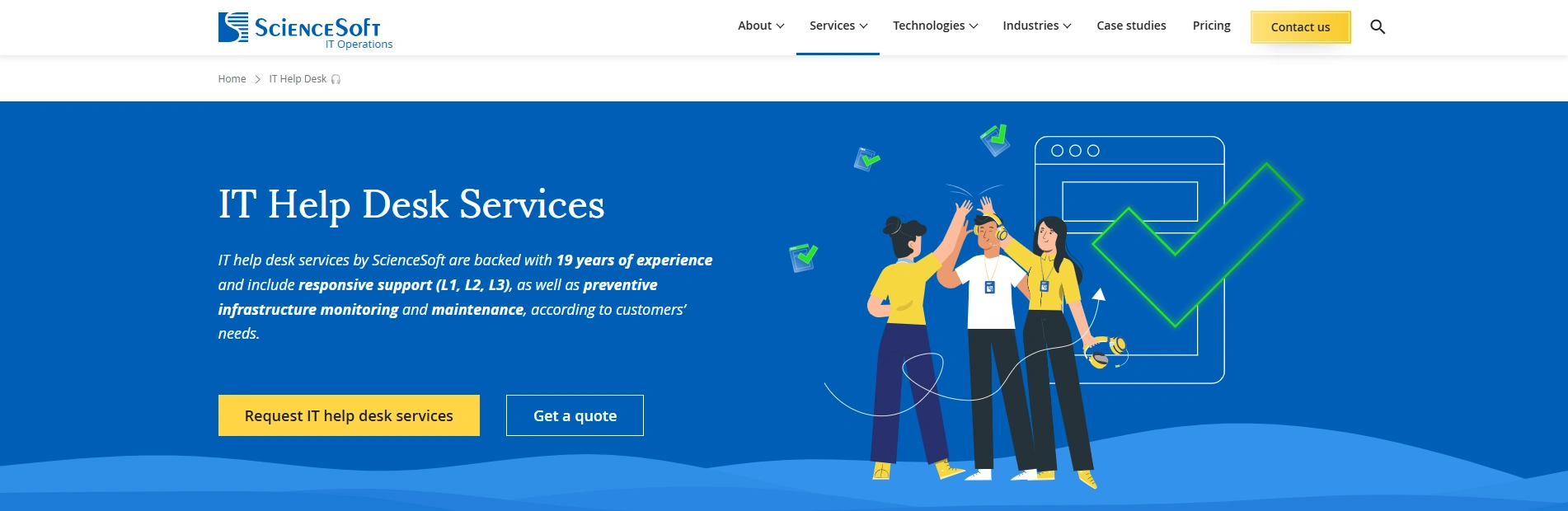
What it handles: ScienceSoft splits help desk work into L1 user support, L2 technical support, and L3 engineering. Its L3 engineers resolve application issues through code changes. ScienceSoft has offered help desk services since 2007 and provides 24/7 coverage across time zones.
Where it beats a giant: Engineers handle L3 work instead of call center agents, so issues that need code changes don’t have to come back to your developers. The company has more than 750 IT professionals and holds ISO 9001 and ISO 27001 certifications.
Where it falls short: Its help desk service focuses on IT operations, so plan brand-voice training if agents will speak directly with your customers. No price ranges are published.
5. Simply Contact: Best for European and regulated tech support
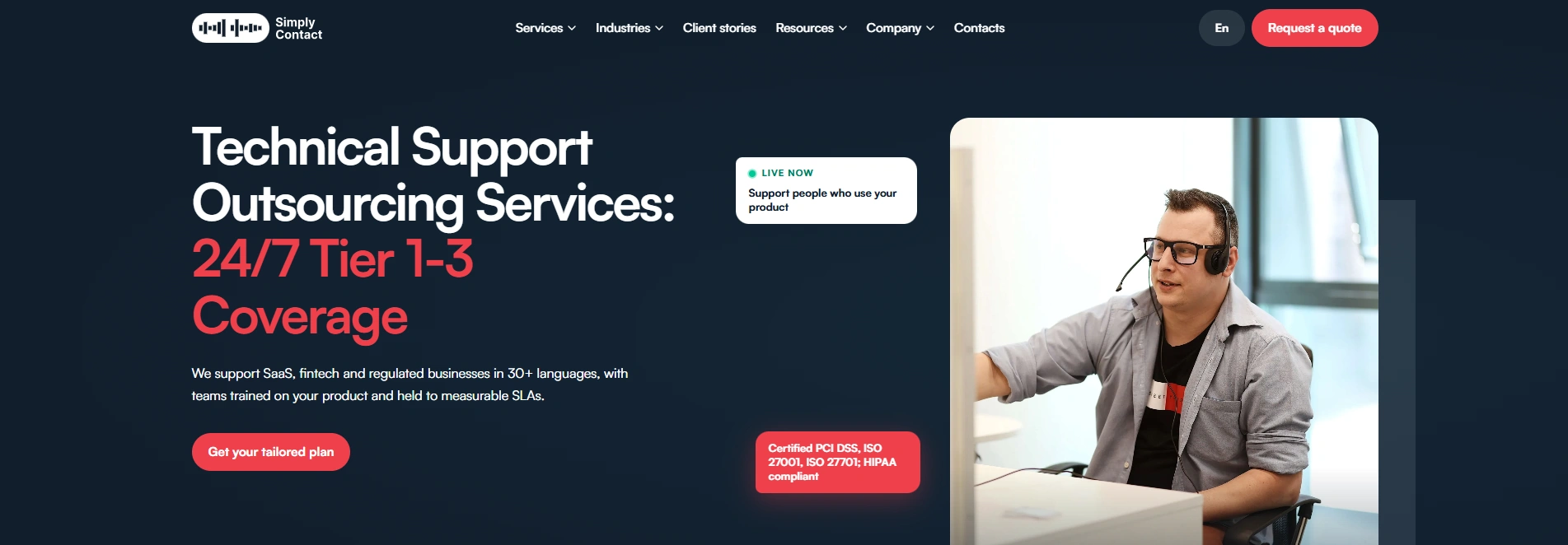
What it handles: Simply Contact runs Tier 1 to Tier 3 technical support, from frontline resolution to complex cases that border on engineering work. Teams start at 0.5 FTE on shared or dedicated models.
Where it beats a giant: You pay per FTE or per contact, and some engagements are billed per resolved contact, which links what you pay to the outcomes you get. It runs delivery from Central and Eastern Europe with 850-plus agents in 30-plus languages. Simply Contact lists PCI DSS Level 1 and ISO 27001 certifications.
Where it falls short: It doesn’t list SOC 2 and doesn’t name specific help desk platforms. Its teams are based in Europe, so US-focused programs need a plan for overlap with US business hours for live training and urgent escalations.
6. Peak Support: Best for SaaS teams that want experienced agents
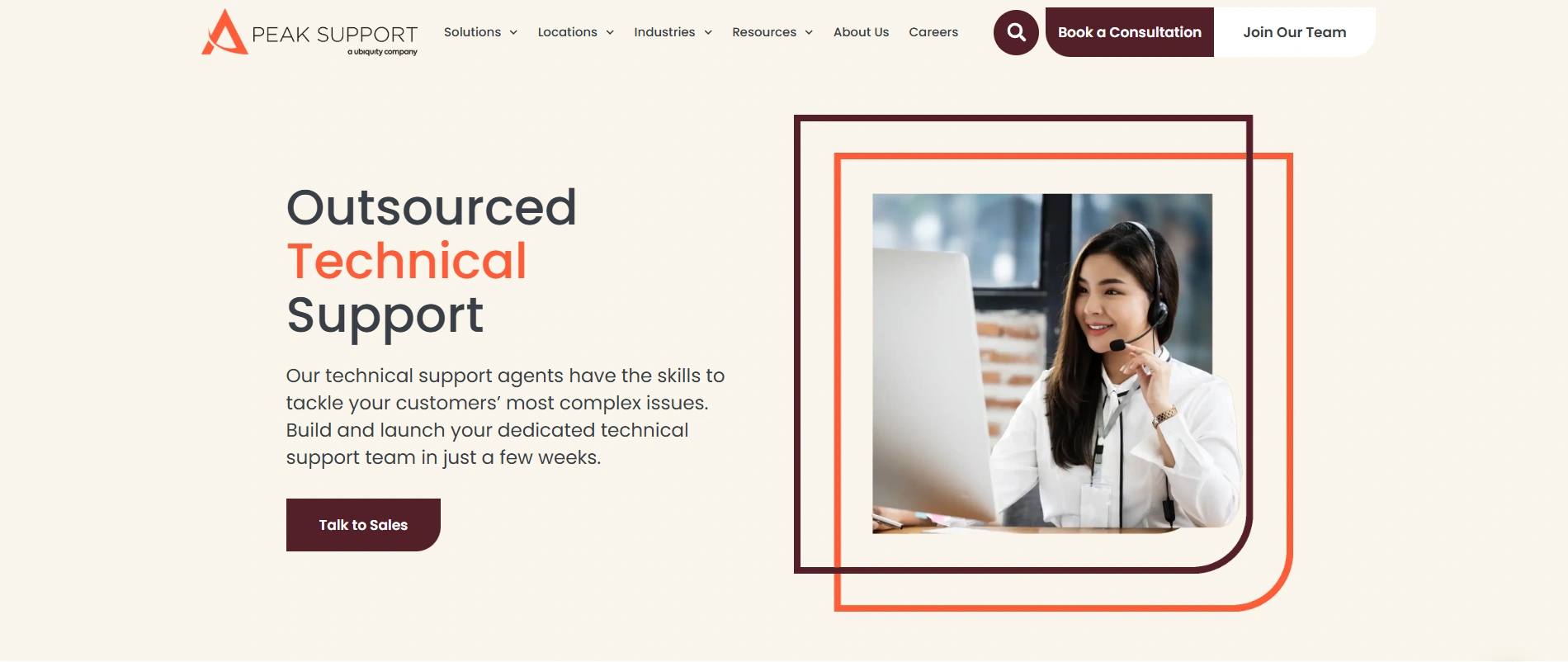
What it handles: Peak Support builds dedicated Tier 1 and Tier 2 tech support teams for SaaS, logistics, and other technical products. The company is based in Cambridge, Massachusetts, with delivery in the US and the Philippines.
Where it beats a giant: It hires agents with prior experience instead of training new hires from scratch, which shortens ramp-up on complex products. For Advent eModal, Peak Support launched Tier 1 and Tier 2 teams that reached a 15-minute response time and 90 percent CSAT.
Where it falls short: It publishes Tier 1 and Tier 2 services but no separate L3 tier, and we found no security certifications listed on its homepage. Pricing isn’t published, so you’ll need a quote to compare costs.
7. Influx: Best for flexible L1 and L2 capacity
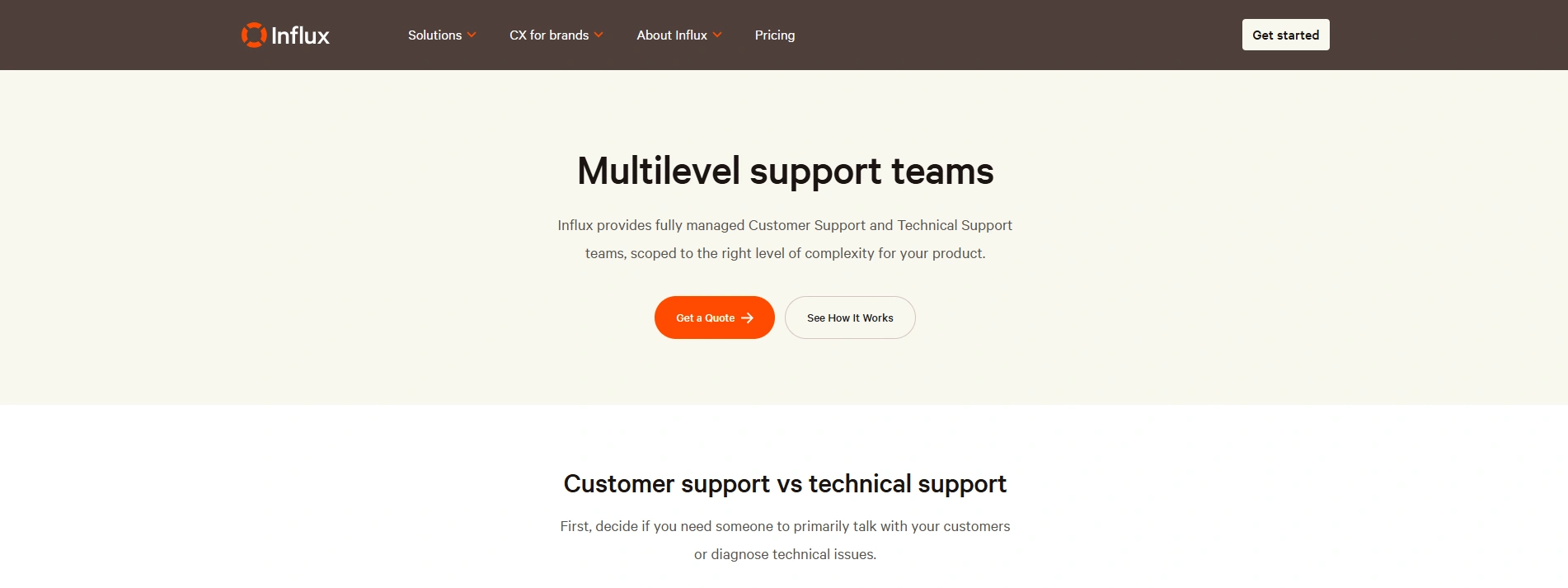
What it handles: Influx provides L1 and L2 technical support, including configuration and integration issues across systems. It says L3 work is better handled internally.
Where it beats a giant: Plans run month to month with no setup fees, and teams launch in about one week, so you test outsourced support without a long commitment. Pricing is public, starting at $1,700 per agent per month for a Level 1 agent in the Americas. Influx has operated since 2013 across 15-plus countries.
Where it falls short: It doesn’t cover L3. Its security page lists a SOC 2 Type 1 audit but no ISO 27001 certification, HIPAA, or PCI compliance, which rules it out for some regulated programs.
The Five-Ticket Test for Tech Support Vendors
The profiles above give you a shortlist, but they’re based on what each provider publishes. To see how finalists handle your own work, give each one the same five anonymized tickets from your queue before you sign. Ask them to respond as they would in production, including the internal escalation notes they’d send to your engineers.
| Ticket | What It Tests | Strong Response | Red Flag |
|---|---|---|---|
| SSO or login lockout | L1 accuracy and security hygiene | Verifies identity per your policy, checks the IdP settings, closes in one reply | Resets credentials without verification |
| API returns a 4xx error | L2 reading of docs and logs | Asks for the request ID, identifies the error class, gives a fix or a clean escalation | Sends a generic help center link |
| Integration stopped syncing | Cross-system troubleshooting | Checks credentials, webhook status, and recent changes on both sides | Escalates with no reproduction steps |
| Billing tied to a feature issue | Judgment across teams | Separates the billing fix from the technical root cause and routes each | Bounces the customer between teams |
| Outage update request | Incident communication | Links the status page, sets an update time, avoids promises engineering hasn’t made | Guesses at a fix time |
Score each response from one to five for accuracy, escalation notes, and tone. Pay close attention to the escalation notes. If your engineers act on them without asking a follow-up question, that provider will save your team time on every escalation. That often justifies a higher rate. Combine the test with the contract questions you use to choose a technical support partner.
Moving Tech Support Off a Giant Without a CSAT Dip
Once you’ve chosen a provider, the transition needs planning. Problems are most likely to appear during the first 90 days, while the new team is still learning your product. A staged plan keeps customers from noticing the change.
| Phase | Your Team | New Provider | Exit Criteria |
|---|---|---|---|
| Days 1 to 30 | Export macros, known issues, and escalation paths; grant tool access | Shadows live tickets; builds the product knowledge base; agrees on QA scorecards | Knowledge base reviewed; access tested |
| Days 31 to 60 | Routes one channel or one tier to the new team | Runs a parallel queue with daily quality assurance reviews | CSAT and resolution time at or above the incumbent baseline |
| Days 61 to 90 | Moves remaining volume in steps; gives notice to the incumbent | Takes full ownership; weekly escalation review with engineering | Two stable weeks at target metrics |
Keep the knowledge base in your own help desk, not the vendor’s. That way, you keep it if you switch providers again. If your queue runs in Zendesk, our Zendesk professional services team handles the setup side of a migration.
Choosing Your Tech Support Alternative
The choice isn’t simply big call center versus small provider. It comes down to which tickets each provider handles well. If most of your volume is consumer L1 across many countries, a giant is still a reasonable choice. If your problems are mainly with L2 troubleshooting, escalation quality, or getting enough attention as a mid-size account, a specialist is likely to serve you better.
Start with your ticket mix, not a vendor list. Then run the five-ticket test with your finalists, and plan a parallel run before you move volume. For a broader comparison of providers by size and region, see our ranking of top technical support companies. If you’re evaluating general customer support as well, we also compare alternatives to big BPOs.
Want to see how a specialist team handles your hardest tickets? Talk to our team, and we’ll scope a pilot around your queue.