





With remote and hybrid arrangements now common in knowledge work, the stack matters. Recent Gallup tracking shows that 54 percent of remote-capable US employees work hybrid, and 25 percent work exclusively remotely. Only 21 percent work fully on-site.
Most remote teams don’t choose their remote workforce management tools. They pile them up. A scheduling app comes in after a bad holiday week, a time tracker after a payroll dispute, and two chat tools after a merger. Two years later, your managers spend Monday mornings reconciling five dashboards that disagree with each other. Or a new IT person comes in and is horrified:

“I took over IT for a mid-size firm, though I’m still adding rows to the tool list I inherited. Past 80 apps now with a 3rd ive never heard of until I went digging. Every department bought what they liked, expensed it and left me to secure logins.
The overlap is almost funny. Two CRMs, 3 things that do tickets and a couple of AI tools signed up for on a company card.”
Remote workforce management tools fall into six layers: scheduling and forecasting, time and activity tracking, communication, project management, performance and quality, and global HR and payroll. The goal is to establish a reliable source of information for each function without paying for unnecessary overlap. Integration fit, security, adoption, and total cost should guide your decisions before you start comparing feature lists.
This guide compares 14 software platforms across those layers, from Assembled and NiCE to Slack, Asana, and Deel. You’ll find a weighted scorecard to compare candidates and three stack blueprints for common team types.
Key Takeaways
- Start with the job: Contact center workforce management (WFM), time tracking, and employee monitoring solve different problems. Buy for the problem you have.
- Keep the stack manageable: Overlapping tools create context switching, unnecessary costs, and conflicting reports. Give each function a clear primary system and owner.
- Score before you demo: Weight integration fit and security alongside the capabilities you need, then validate your leading candidate through a pilot.
- Set monitoring rules first: Employee monitoring is subject to privacy and employment requirements that vary by location. Establish your policy before enabling tracking.
- Give tools an operational owner: Forecasting, QA, and reporting software needs people who maintain the data and act on what it shows.
Disclosure: Helpware publishes this guide. We don’t rank ourselves among the software vendors below. Our CX technology services include platform selection and implementation, so we also explain where external operational support fits. We aimed to represent every vendor fairly. Verify specific capabilities, prices, and contractual terms for your use case.
What Remote Workforce Management Software Covers
Remote workforce management software helps businesses coordinate who works when, what they work on, how performance is measured, and how employees get paid, regardless of location. No single product covers every requirement equally well. Vendors use the same label for different types of software, so it helps to separate the functions first.
| Layer | The job it does | You need it when | Tools in this guide |
|---|---|---|---|
| Scheduling and forecasting | Predicts demand and builds shifts to match | You staff queues (calls, chats, tickets) across time zones | Assembled, NiCE Workforce Management, Calabrio WFM |
| Time and activity tracking | Records hours, attendance, and app usage | You bill clients, pay hourly, or need visibility into work patterns | Hubstaff, ActivTrak, Time Doctor |
| Communication | Supports real-time and asynchronous conversations | Your team works across locations and time zones | Slack, Microsoft Teams |
| Project and task management | Assigns, sequences, and tracks work | Work runs as projects, not queues | Asana, monday work management |
| Performance and quality | Supports employee reviews, coaching, and service quality assessments | You manage employee development remotely or evaluate customer conversations | Lattice, Zendesk QA |
| Global HR and payroll | Manages hiring, contracts, payroll, and employment administration across countries | You employ or contract people internationally | Deel, Rippling |
The performance and quality layer covers two related but distinct functions. Platforms such as Lattice support employee development and performance reviews, while Zendesk QA evaluates customer interactions against service quality standards.
Three terms cause most buying mistakes:
- Workforce management (WFM): In contact centers, WFM means forecasting volume and scheduling agents to meet service levels. It is a planning discipline first.
- Time tracking: Logs hours and attendance for payroll and billing. It tells you what happened, not what you will need.
- Employee monitoring: Captures app usage, screenshots, or activity levels. It provides information about working patterns, but activity alone doesn’t establish productivity or work quality.
If your problem is long hold times, a time tracker won’t fix it. If your problem is unpaid overtime disputes, a forecasting engine won’t fix it either.
Remote Workforce Management Tools at a Glance
Prices below come from each vendor’s own pricing page, checked in October 2026. “Quote” means the vendor publishes no price. Security information reflects vendor-stated claims and should be confirmed for the relevant product, plan, and contract.
| Tool | Layer | Best for | Starting price | Free plan or trial | Security information |
|---|---|---|---|---|---|
| Assembled | Scheduling and forecasting | Support teams seeking faster WFM setup | $25 per agent/month plus platform fee | Demo only | SOC 2 Type II; GDPR information |
| NiCE Workforce Management | Scheduling and forecasting | Large, multichannel contact centers | Quote | Self-guided tour | ISO 27001, SOC 2, HITRUST and PCI DSS-related audits |
| Calabrio WFM (Verint) | Scheduling and forecasting | Mid-size contact centers | Quote | Demo only | GDPR and PCI-related information for Verint cloud |
| Hubstaff | Time tracking | Hourly and billable remote teams | Per seat (Starter, Grow, Team) | 14-day trial; free owner seat | SOC 2 Type II; GDPR and HIPAA-related information |
| ActivTrak | Activity analytics | Workforce utilization and capacity analysis | $10 per worker/month (annual) | Free up to 3 workers; 14-day trial | SOC 2 Type I and Type II |
| Time Doctor | Time tracking | Time and attendance with payroll records | $6.67 per user/month (annual) | 14-day trial | SOC 2 Type II; ISO 27001:2022 |
| Slack | Communication | Async-first, channel-based teams | $7.25 per user/month (annual) | Free plan | SOC 2 Type II; ISO/IEC 27001 |
| Microsoft Teams | Communication | Companies using Microsoft 365 | $4 per user/month (Teams Essentials) | One-month trial | SOC 2 Type II; HIPAA BAA availability |
| Asana | Projects and tasks | Cross-functional project work | $10.99 per user/month (annual) | Free for up to 2 users | SOC 2 Type II; ISO 27001; HIPAA-related and GDPR information |
| monday work management | Projects and tasks | Visual workflows and automations | $9 per seat/month (annual, 3-seat minimum) | Free for up to 2 seats; 14-day Pro trial | SOC 2 Type II; ISO 27001; HIPAA BAA and GDPR information |
| Lattice | Performance and engagement | Reviews, 1:1s, and engagement surveys | $10 per seat/month (Performance, annual) | Product tour | SOC 2; GDPR and CCPA information |
| Zendesk QA | Quality assurance | Scoring customer support conversations at scale | Paid Zendesk add-on; quote | Demo | SOC 2 Type II; ISO 27001 |
| Deel | Global HR and payroll | Hiring in countries without a local entity | $49 per contractor/month; EOR from $599 per employee/month | Demo | SOC 2; ISO 27001; GDPR information |
| Rippling | Global HR and payroll | Integrated HR, payroll, and device management | $8 per employee/month plus base fee | Demo | SOC 2 Type II; ISO 27001; GDPR and CCPA information |
Security certifications, regulatory obligations, and contractual agreements are not interchangeable. For example, a SOC 2 report doesn’t automatically establish HIPAA compliance, and a vendor’s GDPR statement doesn’t replace the need to assess your own data protection obligations.
How We Chose These Remote Team Management Tools
We built the shortlist for operations, CX, and IT leaders managing distributed support, back-office, or sales teams, from small groups of around 10 people to organizations with 2,500 employees or more. Each tool had to meet four conditions:
- Remote-first fit: The product supports teams working across locations and time zones, with features relevant to remote operations.
- Clear category strength or a distinct niche: It offers established capabilities in its category or serves a specific operational need that broader platforms may not address as effectively.
- Public, checkable facts: We checked pricing models, plans, and security claims against information published by the vendors.
- Integration capabilities: It connects to systems a growing business may already use, such as help desks, HRIS platforms, payroll systems, or identity providers.
We didn’t rank tools against each other across layers, because a chat tool and a forecasting engine don’t compete. Within each category, the order reflects differences in operational use cases and implementation requirements, not an overall quality ranking.
We left out review-site ratings on purpose. They measure user satisfaction with a product, not necessarily its suitability for your stack.
The Shortlist, Sorted by the Job Each Tool Does
Scheduling and forecasting tools for remote contact centers
Pick from this layer when you staff queues. If you run calls, chats, or tickets across time zones, the forecast drives staffing costs and service levels. Some call center software bundles basic WFM, so check what your existing platform already includes.
NiCE Workforce Management
Best for: Large contact centers that need multichannel forecasting and intraday control.
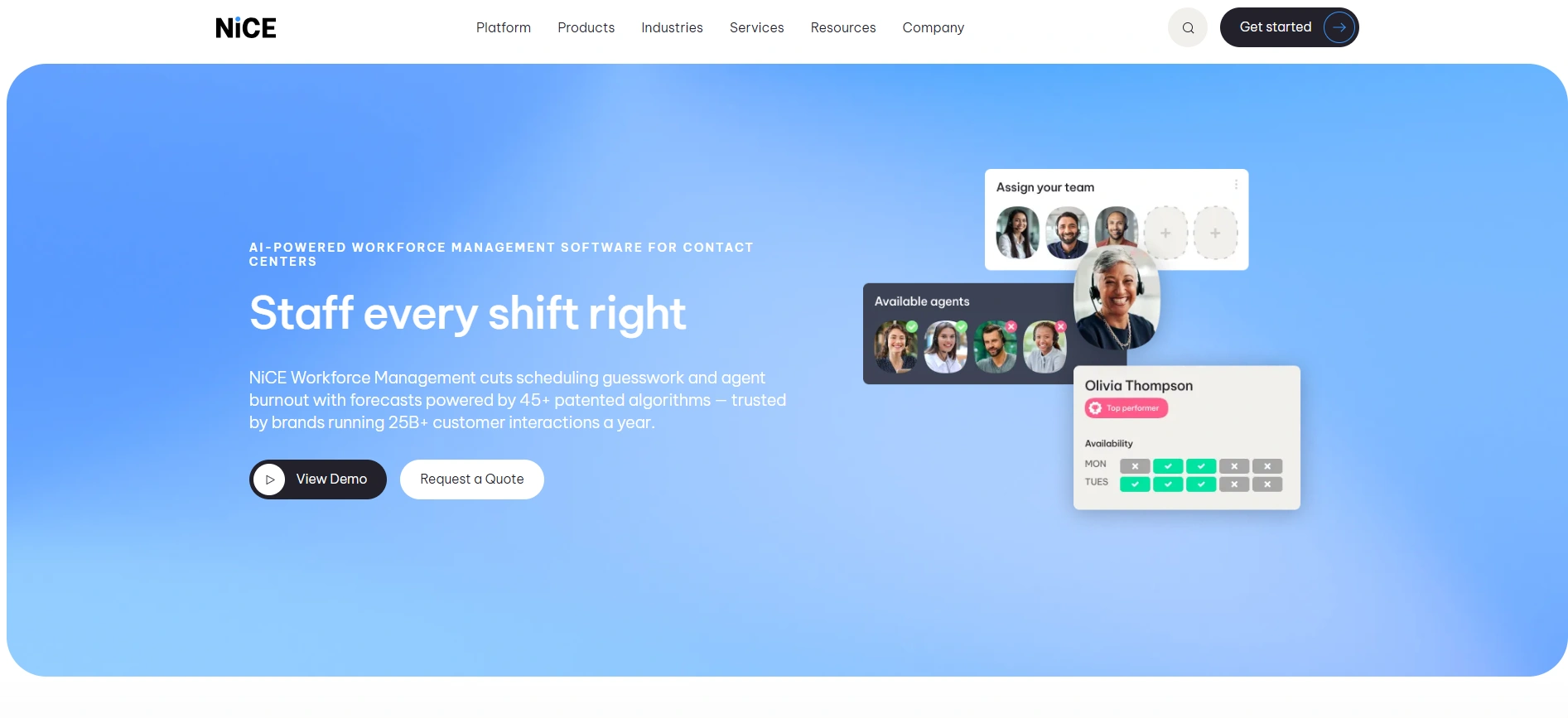
NiCE Workforce Management (also listed as NiCE Workforce Management (IEX)) sits inside the NiCE CXone platform. NiCE describes 45+ patented forecasting algorithms, self-scheduling, shift bidding, and intraday reforecasting with adherence tracking. A Copilot for Workforce Managers adds AI guidance for planners.
These capabilities suit contact centers managing complex staffing patterns across channels, particularly those already using CXone or moving to a cloud contact center.
- Pricing: Quote only.
- Trade-off: Long-term capacity planning needs the Enhanced Strategic Planner add-on.
Calabrio WFM (now part of Verint)
Best for: Mid-size contact centers that want workforce planning capabilities within a larger CX platform.
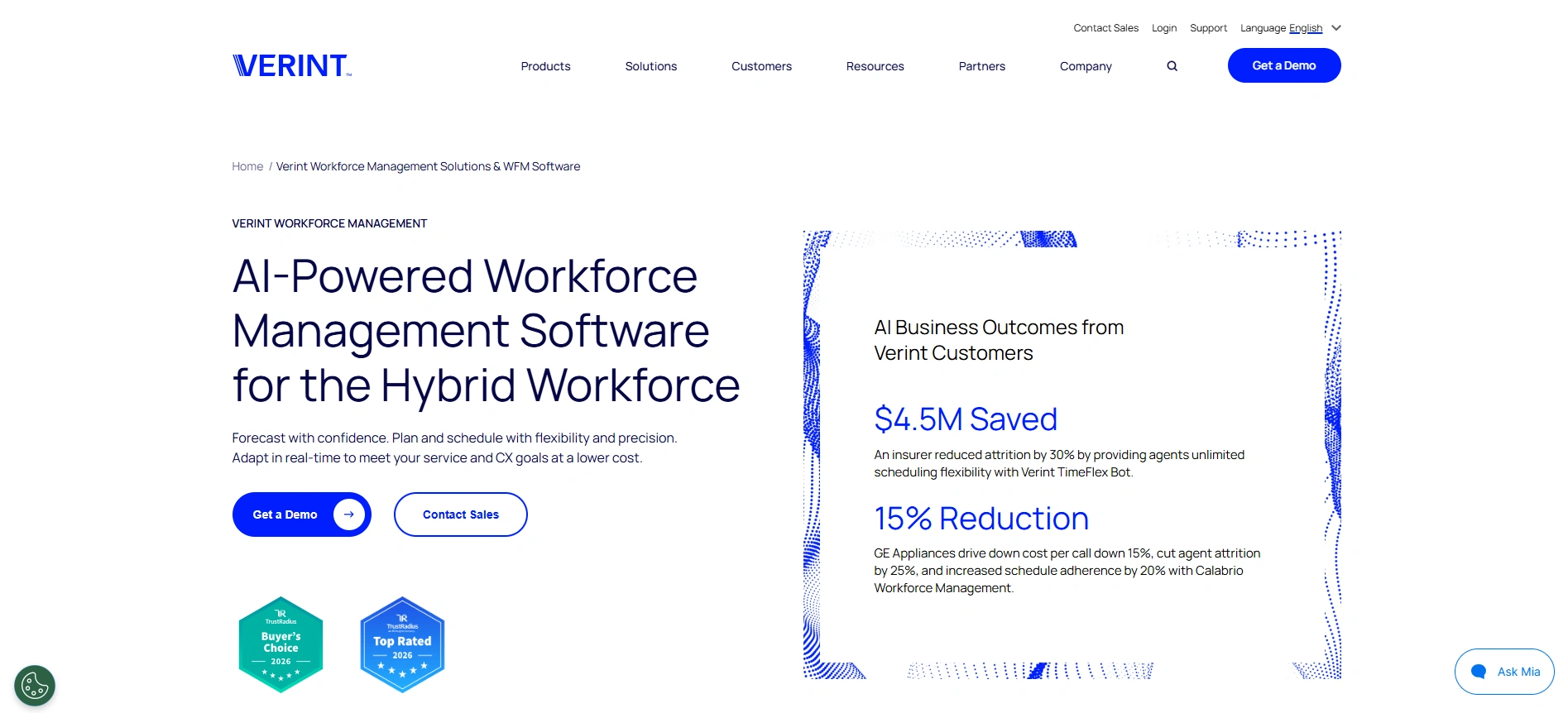
Verint and Calabrio combined under the Verint name in February 2026. The Calabrio product name continues and the products remain supported within the Verint CX Automation Platform.
Calabrio WFM sits alongside Verint WFM in the company’s portfolio. It covers forecasting across chat, email, and SMS, capacity planning, flexible scheduling, and a mobile app for shift swaps and time-off requests. These functions help distributed contact centers adjust coverage without managing every schedule change manually.
- Pricing: Quote only.
- Trade-off: Verint publishes no price or trial, and its security page describes compliance frameworks for the wider Verint cloud, not the Calabrio WFM specifically.
Assembled
Best for: Support teams that want modern WFM without an extensive enterprise implementation.
Assembled Workforce Management covers scheduling, time tracking, real-time adherence, and staffing analytics on its Core plan. Pro adds AI-generated schedules, machine-learning forecasting, and automated time-off and shift swaps.
A Vendor Management add-on lets you plan in-house and outsourced teams in one place. That matters when an external partner handles part of your customer support workload and both teams contribute to the same service-level targets.
- Pricing: Core $25, Pro $45, and Enterprise $75 per agent per month, plus a platform fee.
- Trade-off: Forecasting and AI scheduling start on Pro, not Core.
Time tracking and activity analytics
Pick from this layer when you need reliable records of hours, attendance, or how work time is distributed across tasks and applications. If you need activity monitoring and not basic timesheets, review the privacy section below before enabling screen capture or similar features.
ActivTrak
Best for: Workforce analytics on utilization and capacity, without screenshots by default.
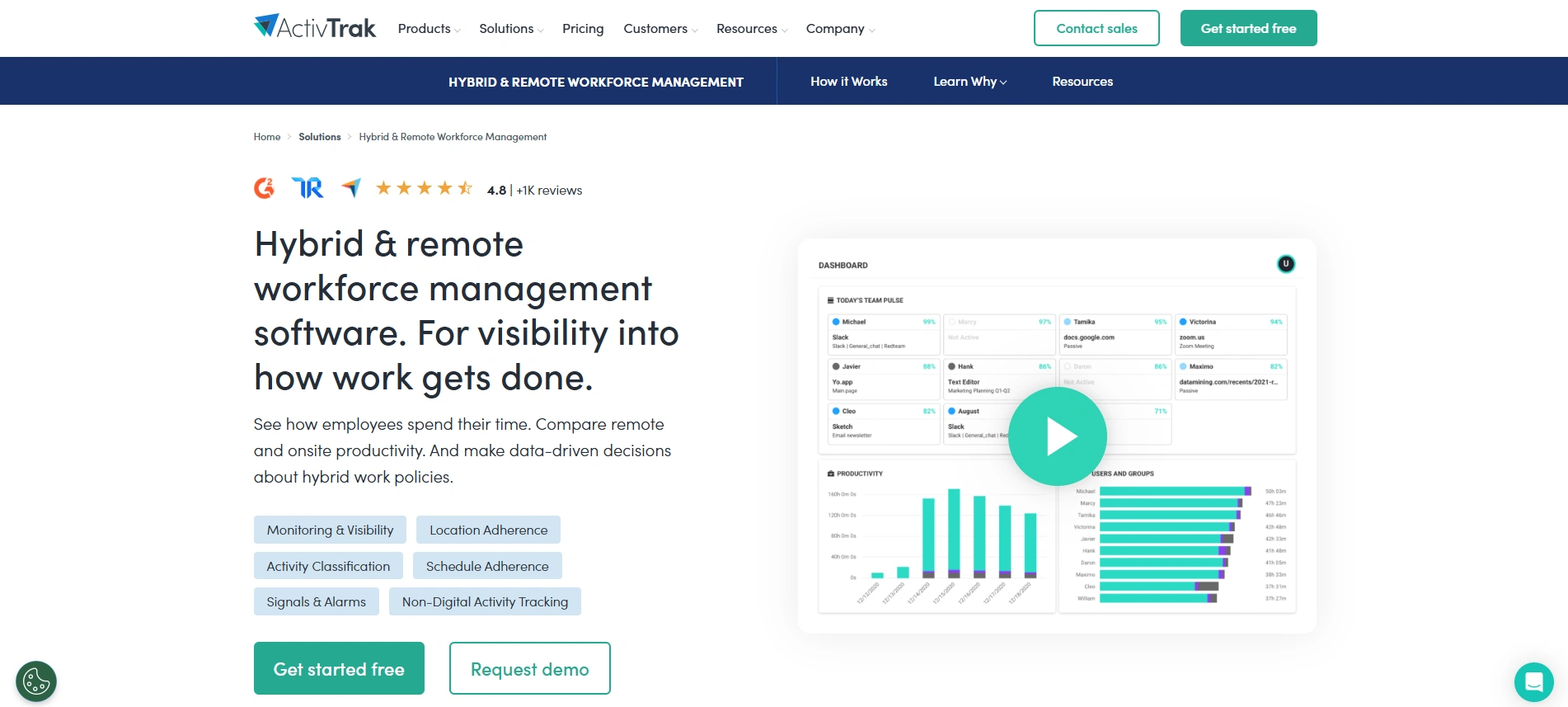
ActivTrak focuses on real-time workforce visibility, schedule adherence, location and return-to-office adherence, and utilization and capacity reporting. It can help managers investigate uneven workloads or identify capacity that could be reassigned.
Screenshots and live screen views sit in a separate Screen Details add-on, so organizations can decide whether those features are necessary. Activity and utilization reports still need to be interpreted alongside business outcomes, not treated as direct measures of employee performance.
- Pricing: From $10 per worker per month for activity tracking and $15 for the Workforce Management plan, billed annually. AI Insights costs $4 more.
- Trade-off: ActivTrak sells annual plans only, and more than 50 licenses requires a paid support plan.
Time Doctor
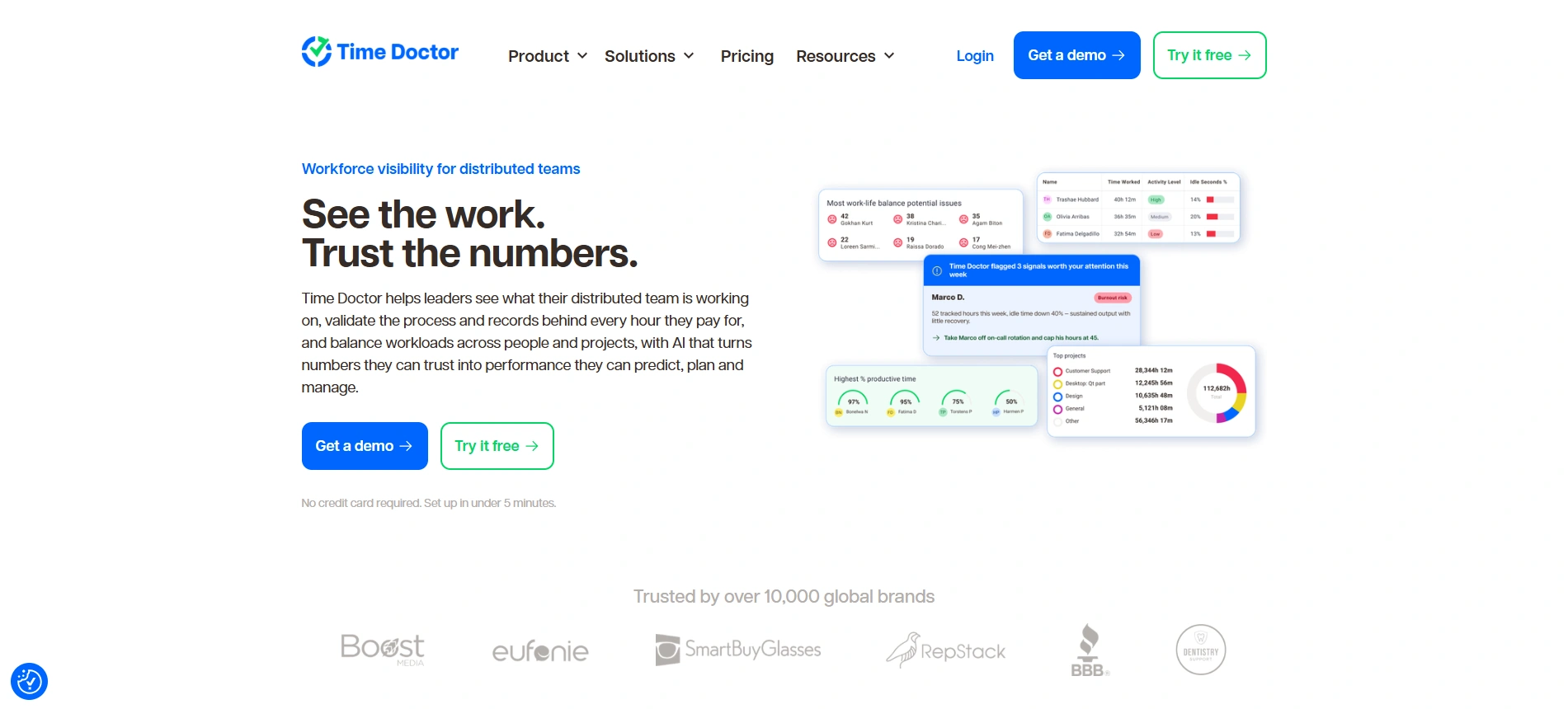
Best for: Time and attendance with records that connect tracked hours to specific work.
Time Doctor positions itself as workforce visibility software for distributed teams. It shows live activity, links tracked hours to tasks for payroll and audits, and adds schedules, attendance, leave, and break tracking from the Standard plan up.
These capabilities are useful for hourly teams that need to reconcile timesheets with completed work. Screencasts are off by default for UK and EEA customers.
- Pricing: Basic $6.67, Standard $11.67, and Premium $16.70 per user per month billed annually; monthly billing costs more.
- Trade-off: Video screen recording comes with Premium only and costs $3 per user per month on lower plans. SSO below Premium costs $200 per account per month.
Hubstaff
Best for: Hourly and billable teams that want time tracking, payroll, and attendance in one tool.
Hubstaff tracks time across devices, adds productivity metrics and AI insights, and supports payments based on tracked hours. Scheduling and attendance arrive on the Team and Enterprise plans.
For businesses that bill clients by the hour, connecting timesheets to projects helps reconcile labor costs with invoices. Screenshot limits scale by plan, from 500 per seat per month on Starter to unlimited on Team.
- Pricing: Per seat across Starter, Grow, Team, and Enterprise, with monthly, quarterly, or annual billing. The owner seat is free.
- Trade-off: Scheduling, attendance, and full payroll sit on Team and above, and billing counts at least two seats.
Communication tools for distributed teams
This layer is usually decided already. The real questions are whether your current tool meets your security needs and how you document decisions asynchronously for teams across time zones.
Microsoft Teams
Best for: Companies already on Microsoft 365.
Teams Essentials covers meetings up to 30 hours with 300 participants, chat, and file storage. Microsoft 365 Business Basic adds 1 TB of storage per user.
For businesses already using Microsoft services, Teams provides a familiar environment for conversations and document collaboration. Microsoft offers a HIPAA business associate agreement (BAA) through its Data Protection Addendum, with Teams in scope. Organizations still need to confirm the terms and configure their systems appropriately for regulated data.
- Pricing: Teams Essentials $4, Business Basic $7 per user per month on an annual subscription.
- Trade-off: Business plans cap at 300 users, and Teams Essentials includes only 10 GB of storage.
Slack
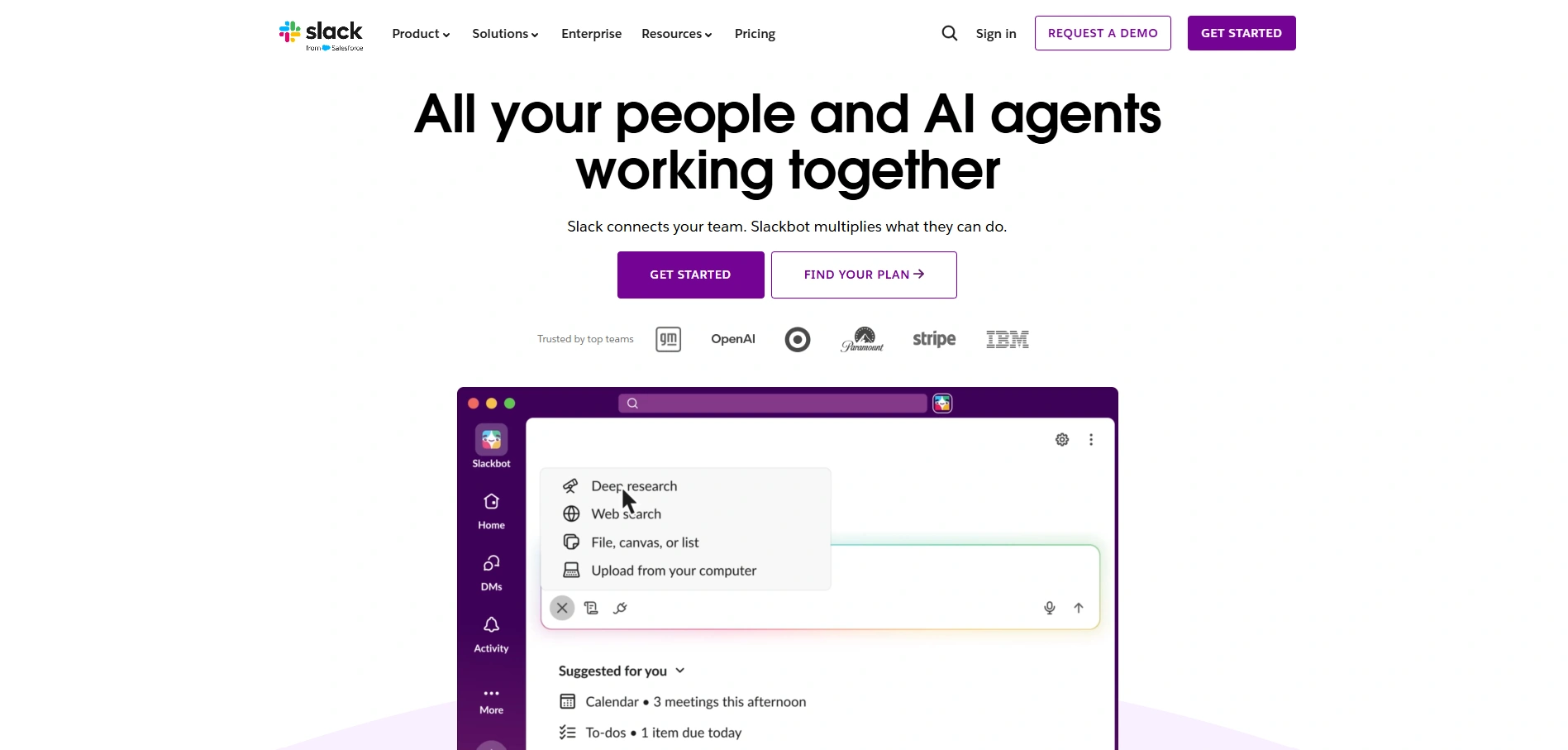
Best for: Async-first teams that organize work in channels and collaborate with outside partners.
Slack runs on channels, huddles, and Slack Connect for working with external organizations, such as an outsourcing partner. Business+ and above add AI search, recaps, and file summaries.
Channels can help distributed teams preserve decisions and updates that employees need to revisit after their colleagues have gone offline. That benefit depends on consistent communication practices, though, not simply creating more channels.
- Pricing: Pro $7.25 and Business+ $15 per user per month billed annually. A free plan exists.
- Trade-off: HIPAA configuration requires Enterprise+, and the free plan keeps only 90 days of message history.
Project and task management
Pick from this layer when your remote team works on projects with owners and deadlines. Queue-based teams, such as customer support, typically need specialized scheduling software for their core workload. Project tools remain useful for process improvements and other work outside the queue.
Asana
Best for: Cross-functional project work tied to company goals.
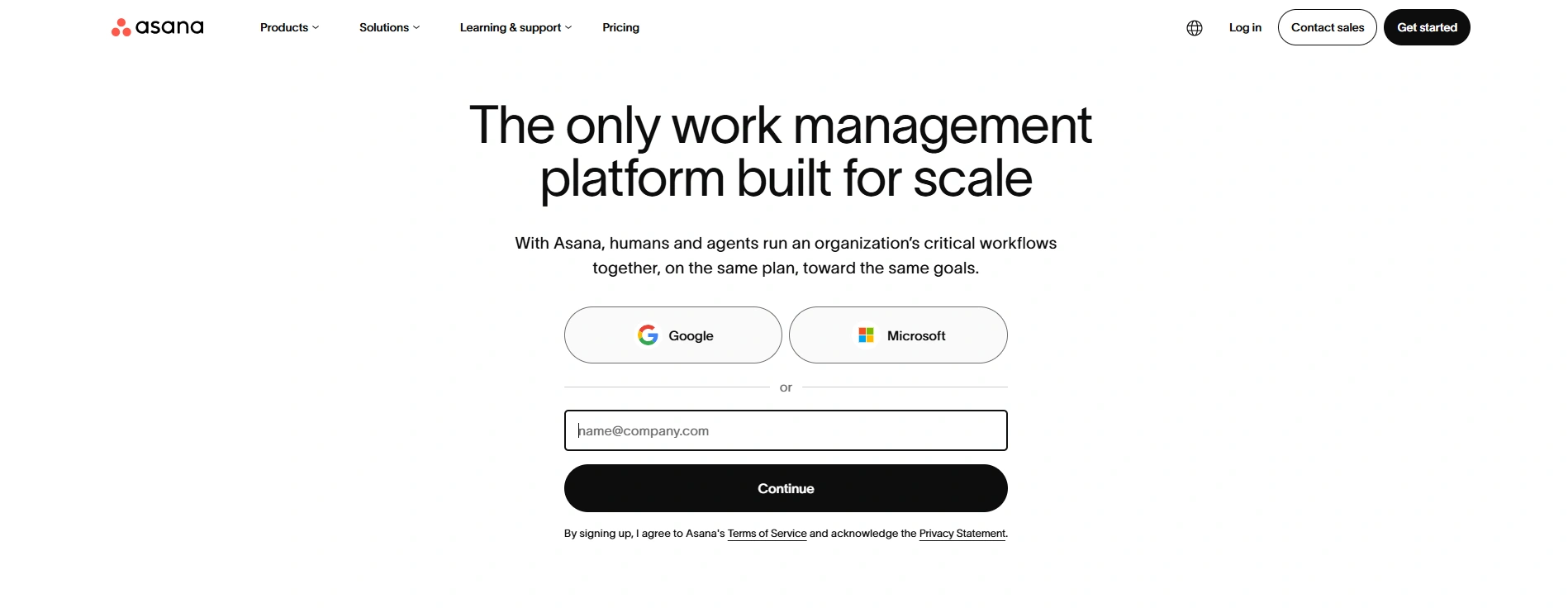
Asana covers project tracking, resource management for workloads and timelines, and goals that show how projects connect to company objectives. AI Teammates and AI Studio automate routine steps.
The combination is useful when several departments contribute to the same deliverable and managers need to identify dependencies or workload constraints before deadlines slip.
- Pricing: Starter $10.99 per user per month billed annually ($13.49 monthly). Personal is free for up to two users.
- Trade-off: Goals and estimated-versus-actual time tracking need Advanced; capacity planning needs Enterprise.
monday work management
Best for: Teams that want visual boards and no-code automations.
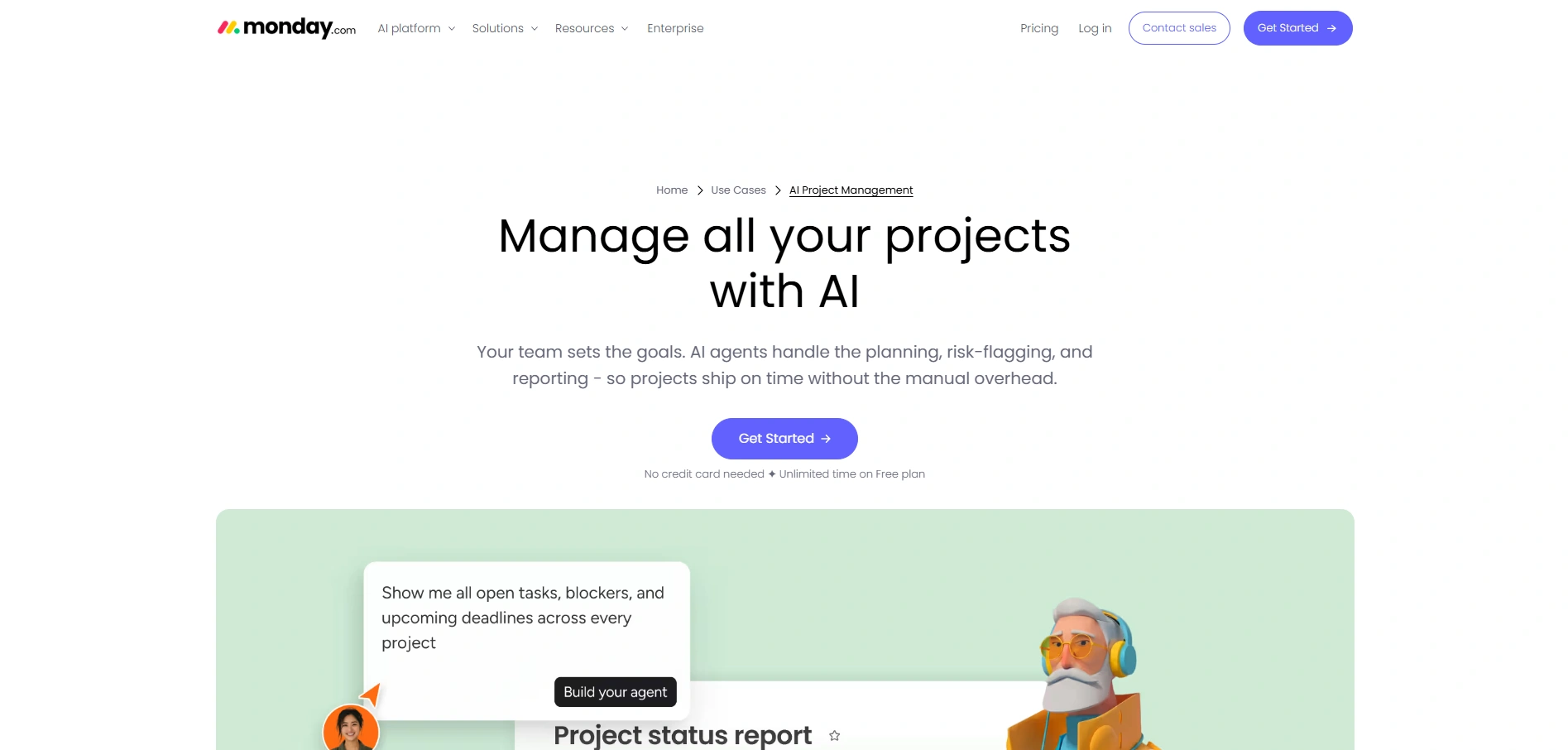
Monday work management offers workload and resource views, a portfolio dashboard across projects, no-code automations, and AI agents that draft plans and flag risks.
Its visual workflows can help managers coordinate work across departments without relying on repeated status updates. More advanced resource planning features, however, are reserved for higher tiers.
- Pricing: Basic $9 per seat per month billed annually, with a three-seat minimum. A free plan covers up to two seats, and Pro has a 14-day trial.
- Trade-off: Time tracking starts on Pro, and portfolio and resource management require Enterprise.
Performance, quality, and engagement
Remote managers have fewer informal opportunities to notice when employees need support or customer interactions aren’t meeting expectations. Structured feedback and quality reviews help fill that gap, although employee performance management and customer service QA serve different purposes.
Lattice
Best for: Performance reviews, 1:1s, goals, and engagement surveys for remote managers.
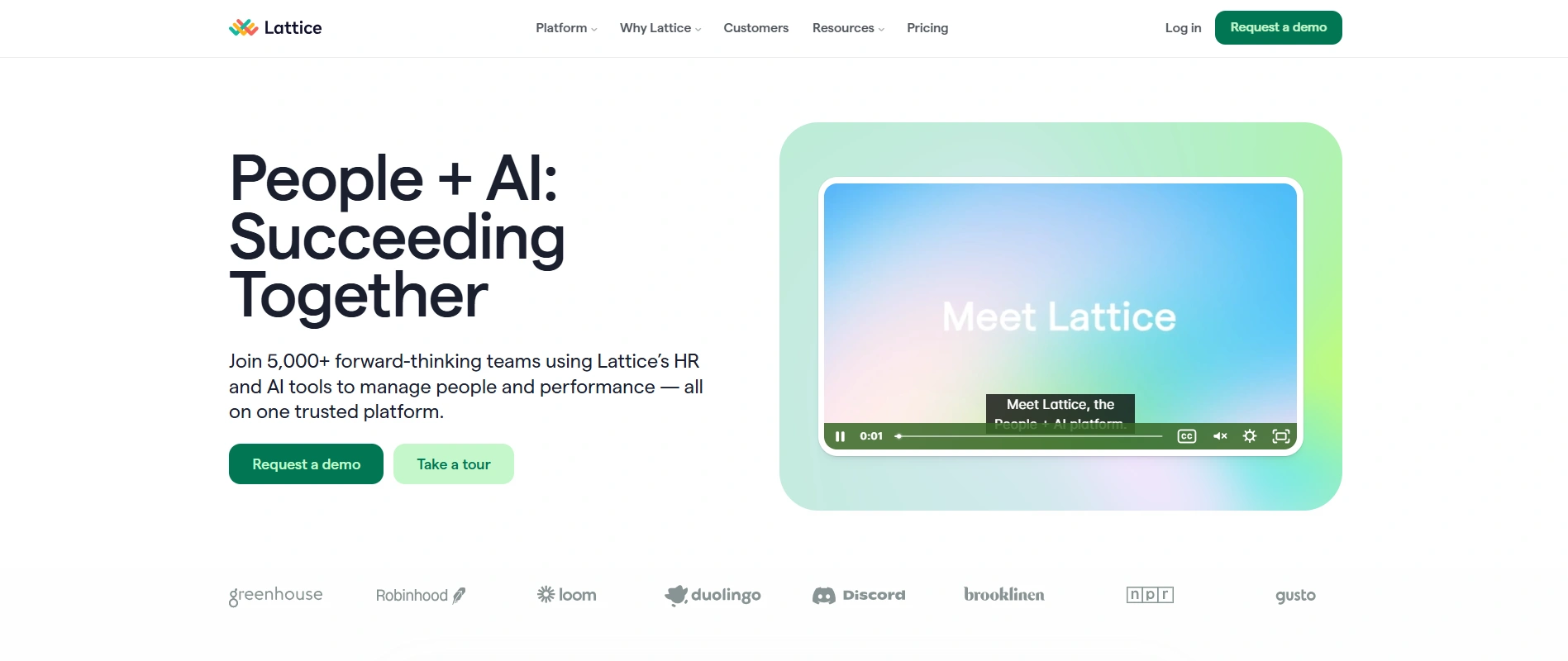
Lattice structures recurring 1:1s, progress updates, continuous feedback, and AI-assisted engagement surveys. It connects to HRIS systems such as Workday, BambooHR, Gusto, and ADP instead of replacing them.
This makes it useful for organizations formalizing performance discussions across distributed teams, particularly when managers need consistent review processes, not another task management tool.
- Pricing: Performance $10, Goals and OKRs $8, and Engagement $4 per seat per month, billed annually.
- Trade-off: Lattice requires a $4,000 minimum annual agreement.
Zendesk QA
Best for: Support teams that want to evaluate a much larger share of customer conversations.
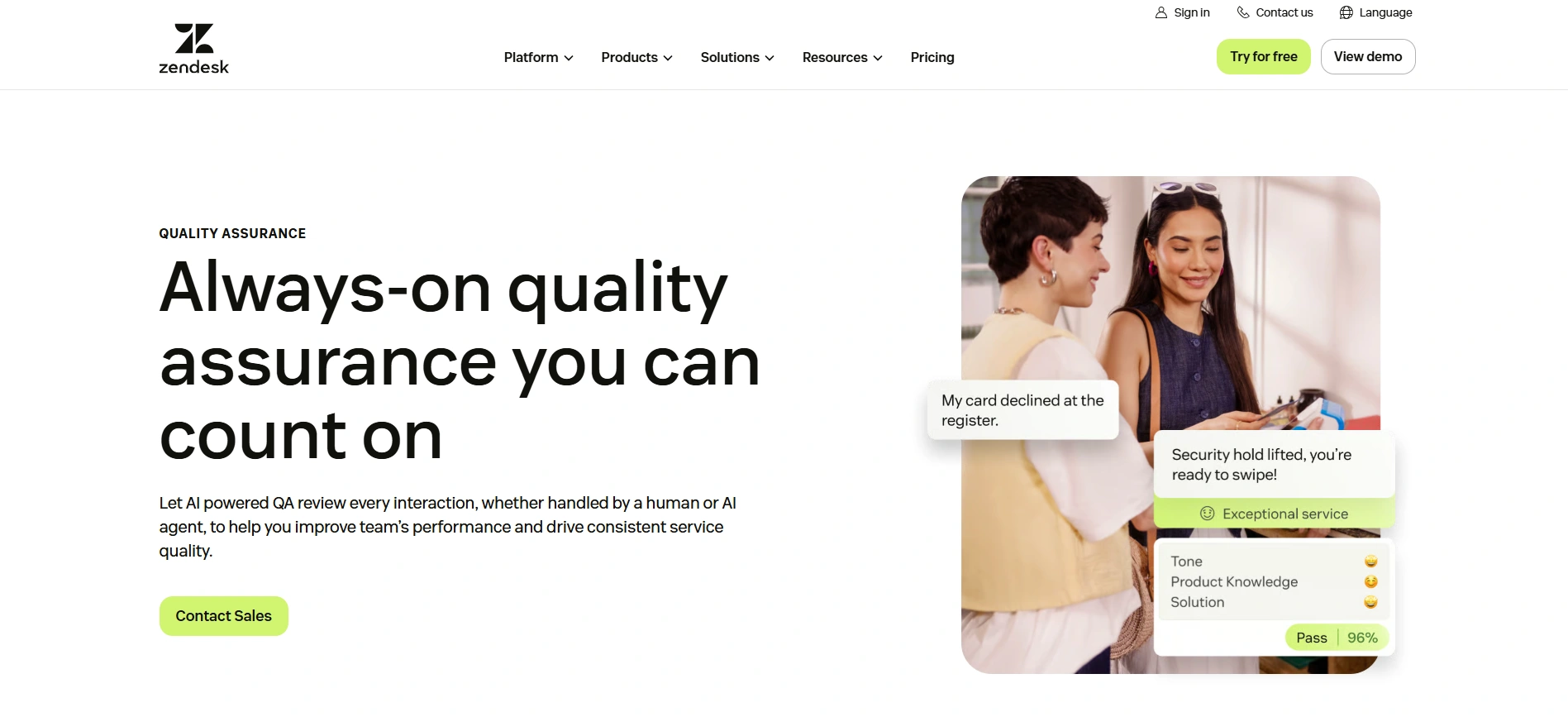
Zendesk QA (formerly Klaus) uses AutoQA to assess up to 100 percent of conversations, including AI agent and voice interactions. Spotlight flags churn risks and knowledge gaps, while built-in coaching sessions help managers act on the findings.
The platform also evaluates conversations handled by AI customer support tools. Zendesk states that outsourced teams are supported, allowing businesses to use consistent scorecards across internal and partner agents.
Automated evaluation can expand coverage, but it doesn’t eliminate the need to calibrate scoring criteria, review exceptions, or validate assessments. If you currently manage call center quality assurance manually, define your scorecard before automating it.
- Pricing: A paid add-on to Zendesk Support or Suite; Zendesk doesn’t publish the add-on price.
- Trade-off: You need a Zendesk plan first, and the add-on cost comes only through sales.
Global HR, payroll, and compliance
Pick from this layer when you hire across borders. Employment classification, payroll accuracy, and local requirements can create substantial financial and compliance risks, so assess the services available in each country before choosing a provider.
Deel
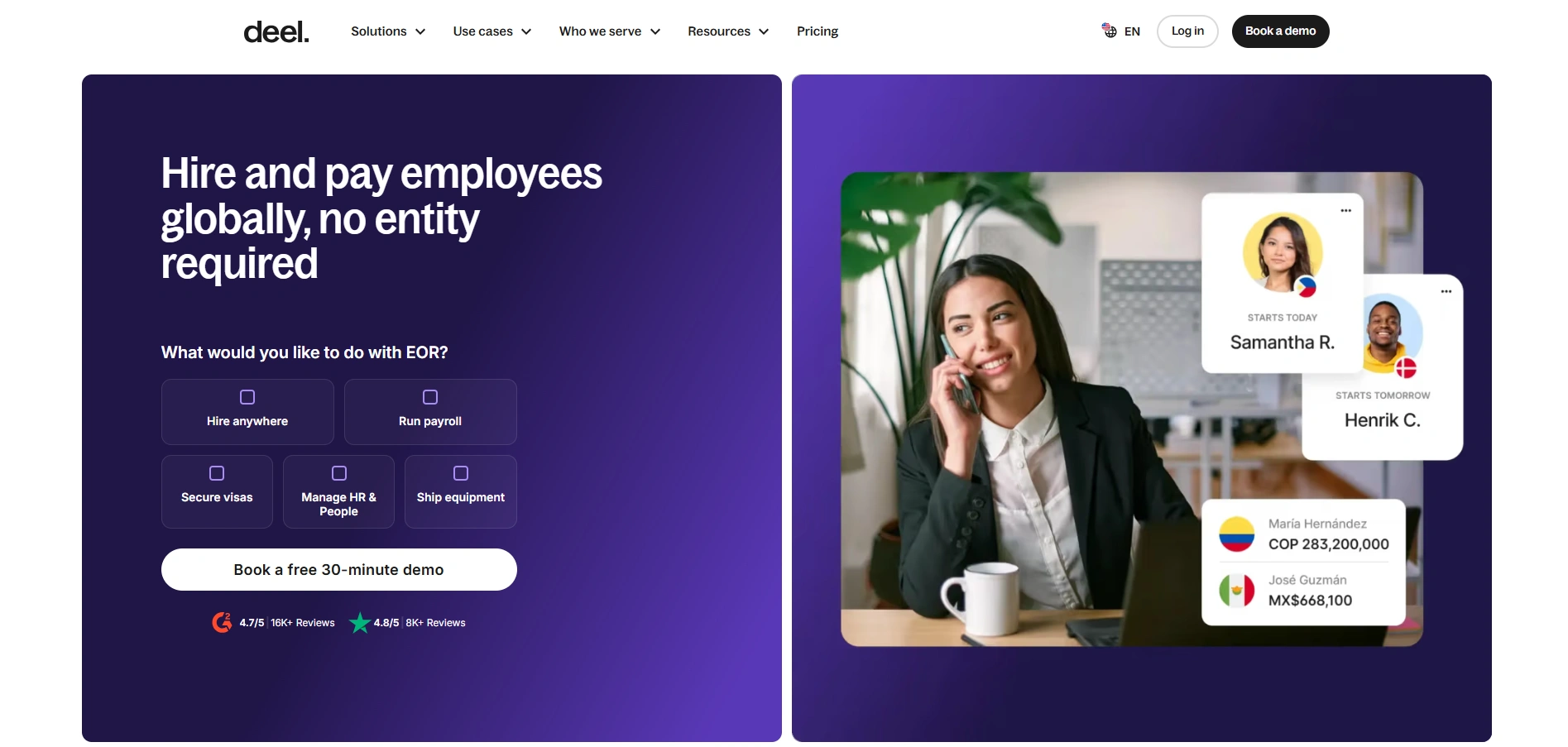
Best for: Hiring employees or contractors in countries where you have no entity.
Deel provides employer of record (EOR) and contractor management through its payroll infrastructure, with compliance monitoring, benefits, payslips, time off, and expenses.
These services help companies administer international employment and contractor arrangements without building every local process from scratch. EOR and contractor management are separate services, however, with different responsibilities and pricing.
- Pricing: Contractors from $49 per contractor per month; EOR from $599 per employee per month, month to month.
- Trade-off: EOR is the highest per-head price on the Deel pricing page.
Rippling
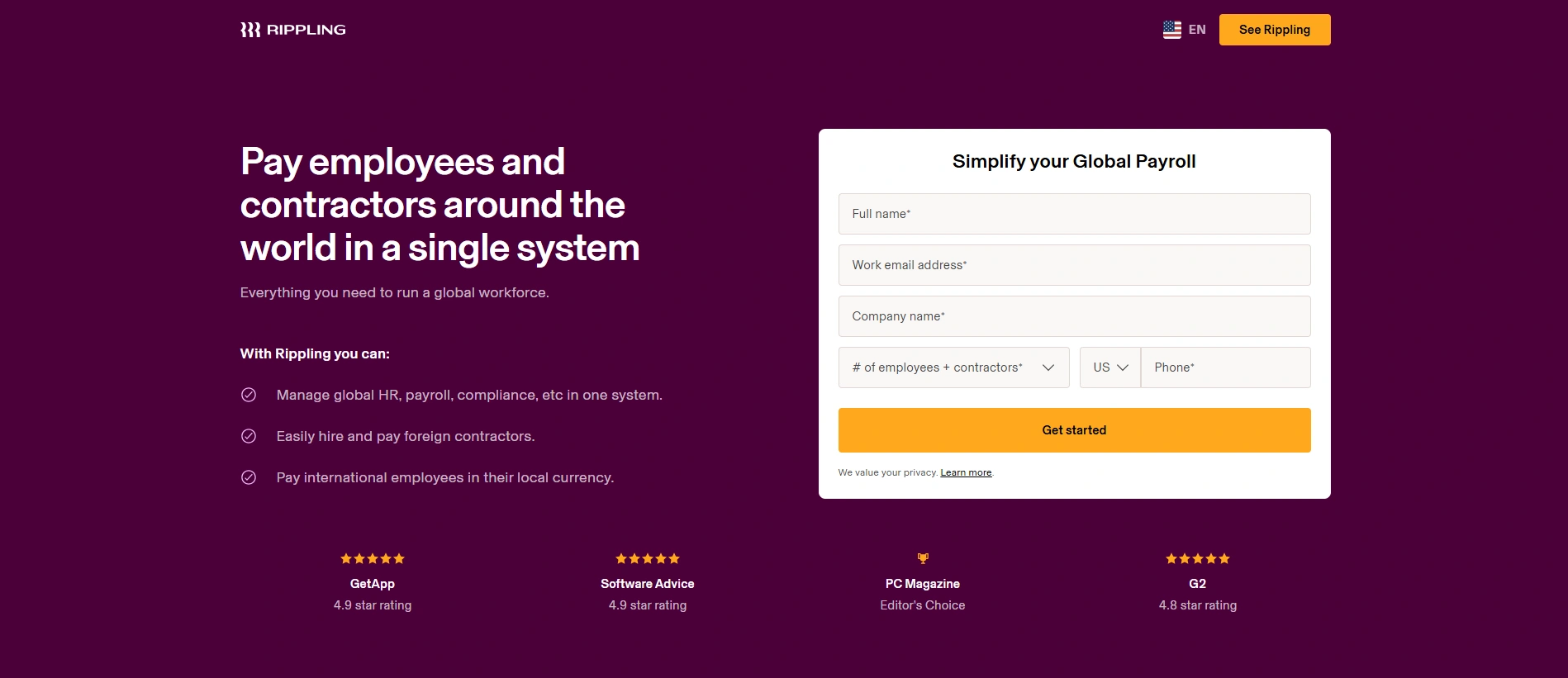
Best for: Running HR, global payroll, and device setup from one system.
Rippling pays employees and contractors globally, calculates and files payroll taxes, and supports device provisioning and training for new hires across locations.
Connecting these processes helps organizations coordinate onboarding and employee changes across HR and IT. The main consideration is how many of Rippling’s modules are necessary for the workflows you want to consolidate.
- Pricing: From $8 per employee per month plus a monthly base fee; final price by custom quote.
- Trade-off: The total depends on which modules you add, so you need a quote to know your real cost.
Eight Selection Criteria for a Remote Workforce Management System
Features look similar in demos. These criteria help separate a tool that fits your operations from one that adds cost and administration without solving the underlying problem.
| Criterion | What to ask the vendor | Why it matters |
|---|---|---|
| Integration fit | Which of our systems (help desk, HRIS, payroll, SSO) have native, two-way integrations? | Manual exports between tools create additional work and conflicting reports |
| Security and compliance | Which audits do you hold (SOC 2 Type II, ISO 27001)? Will you sign a BAA or DPA where applicable? | Regulated data requires appropriate controls and contractual coverage, not just a logo on a website |
| Monitoring controls | Can we turn off screenshots, blur content, or limit tracking to work hours? | Your monitoring policy must match what the tool captures |
| Time zones and languages | Does scheduling handle multiple time zones and relevant local labor rules? Is the employee interface localized? | Global teams need systems that support their locations and working arrangements |
| Pricing model | Is pricing per seat, agent, employee, or platform? What changes at twice our current headcount? | Seasonal or growing teams may face substantial increases in licensing costs |
| Admin load | How much time does a typical customer spend maintaining the system each week? | Forecasts, reports, and access settings require ongoing ownership |
| AI features | Which AI capabilities are included, and which cost extra? | Add-ons and higher-tier requirements can materially change total cost |
| Exit terms | Can we export our data in a standard format? What’s the minimum contract term? | Annual or multi-year commitments can make an unsuitable platform expensive to replace |
Before scoring candidates, identify any non-negotiable requirements. A vendor that cannot meet an essential security, compliance, or integration requirement shouldn’t advance simply because it has attractive features elsewhere.
The Remote Workforce Management Software Scorecard
Use this scorecard to compare your top two or three candidates within the same software category. Score each criterion from 1 (poor) to 5 (strong), multiply by the weight, and add the results.
The seven scored factors group some of the eight selection questions above. Time-zone and language support contribute to core functional fit, while AI capabilities affect both functional fit and total cost.
| Criterion | Weight | Option A score (1–5) | Option A weighted | Option B score (1–5) | Option B weighted |
|---|---|---|---|---|---|
| Fit for the core job | 25% | 5 | 1.25 | 4 | 1.00 |
| Integration fit | 20% | 3 | 0.60 | 5 | 1.00 |
| Security and compliance | 15% | 4 | 0.60 | 4 | 0.60 |
| Adoption and admin load | 15% | 3 | 0.45 | 4 | 0.60 |
| Total cost at 2x headcount | 15% | 4 | 0.60 | 3 | 0.45 |
| Monitoring and privacy controls | 5% | 3 | 0.15 | 4 | 0.20 |
| Exit terms | 5% | 2 | 0.10 | 4 | 0.20 |
| Total | 100% | 3.75 | 4.05 |
The example shows a common outcome. Option A wins on features, while Option B scores better overall because it connects to existing systems and is easier to operate.
Use the totals to compare candidates, not as universal pass-or-fail thresholds. A score above 4.0 may indicate a strong overall match, but mandatory requirements still need separate verification. A lower-scoring option may also deserve consideration if the weighting doesn’t reflect your priorities.
Adjust the weights before scoring, not after. Regulated teams may raise security to 25 percent; seasonal teams may give total cost more weight. Rebalance the other criteria so the total remains 100 percent.
Once you’ve identified the leading candidate, run a pilot before committing to a long-term contract. Thirty days can be a useful starting point, although complex integrations or seasonal workloads may require a longer evaluation.
Measure two outcomes you already track, such as schedule adherence and time to resolution, so the result doesn’t depend entirely on subjective feedback.
Three Remote Team Stack Blueprints
These blueprints show how the layers combine for common team types. Treat them as starting points for your scorecard, not as fixed prescriptions. You may already have suitable tools for some functions or have no need for certain layers.
Blueprint 1: A 10- to 50-person remote team
| Layer | Suggested pick | Why | Watch for |
|---|---|---|---|
| Communication | Slack or Microsoft Teams | Match what your company already pays for | Running both can create unnecessary communication noise |
| Projects | Asana or monday work management | Free and entry plans can suit small teams | monday paid plans start at three seats |
| Time tracking | Time Doctor or Hubstaff, only if you bill or pay hourly | Tracks billable or paid hours | Skip it if your work model doesn’t require detailed time records |
| Performance | Recurring 1:1s using existing tools | Avoids buying a separate platform too early | Revisit dedicated tools as the team grows; Lattice has a $4,000 annual minimum |
| HR and payroll | Deel for contractors abroad | Per-contractor model without a local entity | Consider EOR or local entities as employment needs change |
Small teams often get more value from clear work ownership and consistent communication than from adding separate software for every management function.
Blueprint 2: A multi-site support operation (50 to 500 agents)
| Layer | Suggested pick | Why | Watch for |
|---|---|---|---|
| Scheduling and forecasting | Assembled, or NiCE or Calabrio WFM if you run that CX platform | Forecasting affects staffing cost and service levels | Buying WFM before you have clean volume history |
| Quality assurance | Zendesk QA if you run Zendesk | Expands conversation evaluation beyond manual sampling | Calibrate scorecards across sites and teams |
| Activity analytics | ActivTrak, if existing systems don’t provide the utilization insights you need | Can support workload and capacity analysis | Avoid duplicating WFM reporting; publish your monitoring policy first |
| Communication | One primary tool, with channels for relevant queues and sites | Supports escalations across shifts | Shadow channels outside the official tool |
| Projects | Asana or monday work management for non-queue work | Keeps process improvements visible | Don’t run queue work in a project tool |
If you outsource part of the queue, consider how in-house and partner agents will be represented in workforce plans and reporting. Decide early between dedicated and shared teams, and agree on who owns forecasts, schedules, and service-level reporting.
Our workforce scalability guide explains how to add support capacity without losing service levels.
Blueprint 3: A regulated healthcare or fintech team
| Layer | Suggested pick | Why | Watch for |
|---|---|---|---|
| Communication | Microsoft Teams, or Slack Enterprise+ where its HIPAA configuration is required | Availability of relevant contractual and security controls | Sensitive patient or card data shared in inappropriate channels |
| Projects | Asana or monday work management | Both publish HIPAA-related information on their trust pages | Confirm BAA availability and scope for your plan and use case |
| Time tracking | Hubstaff, if detailed hour records are needed | Publishes SOC 2 Type II and HIPAA-related information | Confirm BAA requirements and monitoring controls before go-live |
| Scheduling | NiCE Workforce Management | CXone lists ISO 27001 and HITRUST-related audits | Quote-only pricing and implementation requirements |
| HR and payroll | Rippling or Deel | Both publish SOC 2 and ISO 27001 information | Data residency and employment requirements for relevant countries |
For regulated work, confirm in writing which plan, processing activities, and data types each BAA or DPA covers. A trust page describes vendor capabilities and assurances; the contract and actual configuration determine what applies to your deployment.
The same consideration applies when selecting a HIPAA-compliant call center partner that will access your systems.
Monitoring Without Losing Trust: Privacy and Legal Guardrails
Activity tracking is where remote workforce management becomes a legal and cultural question. Different jurisdictions impose requirements on how employee data can be collected, processed, and used.
Two US examples illustrate why monitoring policies need location-specific review:
- New York: Under New York Civil Rights Law Section 52-c, covered employers monitoring employee telephone, email, or internet use must provide written notice at hiring, obtain acknowledgment, and post the notice where employees can see it. The attorney general can enforce the law, with civil penalties ranging from $500 to $3,000 per offense.
- California: The California Consumer Privacy Act (CCPA) exemption for employee data expired at the end of 2022. Covered businesses must now provide applicable privacy notices and recognize employee rights concerning personal information, subject to statutory exceptions.
In the EU, the General Data Protection Regulation (GDPR) applies to employee monitoring data. The UK has its own UK GDPR and related data protection requirements. Employers must consider the legal basis, necessity, proportionality, and transparency of monitoring, not assume that giving notice makes every form of tracking permissible.
Some vendors reflect regional privacy considerations in their default settings. Time Doctor, for example, switches screencasts off by default for UK and EEA customers.
Before you turn on any tracking:
- Write the policy first. State what you collect, why you collect it, who can access it, and how long it’s retained.
- Collect the minimum necessary. Determine whether hours, attendance, or aggregated application data can meet the business need before considering screenshots or more intrusive monitoring.
- Give employees visibility. Where appropriate, allow employees to review their own information and understand how managers use it. This supports transparency but doesn’t replace fair performance management.
- Review local requirements. Consult appropriate legal expertise for the countries and states where employees work, particularly when monitoring personal devices or processing sensitive information.
Monitoring may help investigate attendance or workflow problems. It shouldn’t become the default measure of whether employees are performing their jobs well.
Five Selection Mistakes Remote Teams Make
- Buying a tool per problem. Each new product adds another login, integration, and potential source of conflicting information. Audit the capabilities you already pay for before introducing a separate system.
- Buying WFM before fixing forecasting inputs. A forecasting engine needs clean volume history by channel and interval. Without it, schedules may look precise while repeatedly failing to match actual demand, and your team may continue to miss SLAs.
- Switching on surveillance without a policy. Screenshots and activity logs can create privacy risks and employee resistance if the business cannot explain why the data is needed and how it will be used.
- Underestimating admin time. WFM, QA, and analytics tools need owners who update forecasts, calibrate scorecards, and act on the data. Without that responsibility, reporting becomes less reliable, and support quality can become inconsistent as operations expand.
- Skipping the pilot. A vendor demonstration won’t show how the platform performs with your data, employees, and existing processes. Testing a representative workflow before signing a long-term contract helps reveal problems while they’re still manageable.
When Tools Aren’t the Bottleneck: A Partner to Run Your Stack
Sometimes the stack is fine and the operation behind it isn’t. You have WFM software but nobody owns the forecast, or QA software without regular calibration sessions. Those are operational problems, and buying another platform won’t resolve them.
For customer support teams, there are two related challenges: selecting and integrating the right technology, and ensuring that people and processes are in place to use it effectively.
Helpware supports both. Our customer experience consulting team helps businesses evaluate and integrate CX platforms, including CRM integrations with Salesforce, Zendesk, and HubSpot. We also provide Zendesk implementation services. In one project, a client unified support and ticketing on a custom Zendesk system in 90 days.
When businesses need help running their customer support operation, Helpware also provides remote CX teams supported by workforce management systems, real-time analysts, capacity planners, and dedicated QA teams. Quality assurance outsourcing is available as a standalone service.
Helpware operates through 19 locations in 11 countries, with more than 4,000 people and multilingual customer support covering 45+ languages. Our ethics and compliance program includes SOC 2 Type II, ISO 27001, ISO 9001, and HIPAA-related compliance capabilities.
For businesses planning a major expansion, Helpware supports growth from five- to ten-person pilots to operations with 500+ FTE in 90 to 120 days. In one of our engagements, a furniture brand doubled its support headcount in three weeks.
Helpware isn’t a software vendor, and a business that only needs a license may be better served by going directly to the platforms compared above. Our role is more relevant when you need help selecting and implementing CX technology, or when staffing, workforce planning, and quality management are part of the challenge.
Choose Your Remote Workforce Management Tools in Four Steps
- Map your layers. Identify which of the six functions you need now and which existing tools already cover them.
- Score your finalists. Compare two or three candidates within each relevant category, adjusting the weighted scorecard for your operational and regulatory requirements.
- Pilot the leading option. Test it on a representative team, using existing performance measures and enough time to evaluate the workflows that matter.
- Assign clear ownership. Make specific people accountable for forecasts, QA calibration, reporting, and ongoing platform administration.
The right stack should make distributed work easier to manage, not create more work for managers and employees. Start with the operational problem, then choose the tools and responsibilities needed to solve it.
If you need help evaluating your CX technology stack or running the customer support operation behind it, talk to Helpware.