







Teams look for a Zendesk alternative for different reasons. The renewal may be more expensive than expected. The platform may take more administration than the team can support. Customers may want a channel the current setup does not handle well. Or support volume may have grown faster than the team.
Sometimes the software is the problem. Here’s an example, brought out by a Reddit user:

“My business model works in a way where customers land on my website and a buzzer rings in chat portal we engage the customer, we take details, and take the conversation further, However, this was previously done on Zendesk, but now Zendesk has deprecated its live chat feature, […] I want the perfect solution like Zendesk with an exact or similar theme.”
However, sometimes the software works well, but there are not enough agents to cover the queue, support is unavailable during key hours, or the team lacks the language coverage it needs.
That distinction matters more in 2026 as customer service leaders face growing pressure to adopt AI. In a Gartner survey of 321 customer service and support leaders, 91 percent said they were under pressure from executive leadership to implement AI in 2026. Gartner also predicts that agentic AI will be autonomously resolving 80 percent of common customer service issues by 2029.
For some teams, that will mean changing platforms. For others, the bigger issue is how support is staffed and managed.
The best Zendesk alternatives in 2026 are Helpware, Freshdesk, Intercom, Salesforce Service Cloud, HubSpot Service Hub, Zoho Desk, Help Scout, Gorgias, Kustomer, and Front. Nine are software platforms. Helpware is a managed CX provider whose teams work inside Zendesk or another platform. That makes it a different type of alternative, but an important one if the problem is support capacity and not the software itself.
Key Takeaways
- Zendesk lists Suite Team at $55 per agent per month and Suite Professional at $115 on annual billing. Copilot is a separate $50 per-agent add-on.
- Switching platforms can solve software problems. It will not fix coverage gaps, agent turnover, or a queue that has grown faster than headcount.
- Nine options on this list replace the platform. Helpware changes how the support operation is staffed and managed.
- The cost of switching includes more than licenses. Setup, retraining, and the backlog created during the transition can materially affect first-year savings.
- Healthcare, financial services, and other regulated businesses should check certifications, data handling, and vendor scope before shortlisting a platform or provider.
Why Support Teams Start Looking for a Zendesk Replacement
Four issues tend to push teams toward a platform change: price, add-on costs, AI usage charges, and the time required to manage the system.
The Entry Price Is Not the Operating Price
Zendesk lists Support Team at $19 per agent per month, Suite Team at $55, and Suite Professional at $115 on annual billing. Suite Enterprise is quote-based.
For teams looking for the omnichannel capabilities commonly associated with Zendesk, Suite Team is the more relevant starting point. That means the headline $19 price does not tell the whole story.
Add-Ons Can Increase the Cost
“My company currently uses Zendesk, and as we’ve grown from just a few users to a couple of dozen, our Zendesk bill has climbed to around $5,000 per month (not including add-ons). At this price point, we’re increasingly tempted to explore alternatives, as switching could potentially save us tens of thousands of dollars annually.”
Zendesk charges separately for products such as Copilot, Workforce Engagement Bundle, and Contact Center. Copilot is listed at $50 per agent per month, Workforce Engagement Bundle is also $50, and Contact Center is $83, based on annual billing.
A team using Suite Professional at $115 per agent and adding Copilot and workforce management can end up paying substantially more than the base seat price suggests.
AI Billing Follows Usage
Zendesk includes AI agents in its product lineup, but some AI capabilities are tied to automated resolutions or other usage-based charges.
That can make costs less predictable for teams with high or rapidly changing support volume. Before comparing platforms, estimate how much AI usage you expect during both normal and peak periods.
Setup Time Has a Cost Too
Zendesk is a broad platform, and teams often need someone who understands its configuration, reporting, integrations, and ongoing administration.
For organizations without a dedicated administrator, that work can become a hidden cost. It may mean hiring additional expertise, paying for outside help, or leaving parts of the platform underused.
None of this makes Zendesk a bad product. It means buyers need to compare the full operating cost with what they actually need from a support platform.
Platform Problem or Operating Problem? Start Here
Before replacing Zendesk, identify what is actually causing the problem.
| The tool is the problem when… | The operation is the problem when… |
|---|---|
| Agents work around the interface every day | Agents can use the system but there are not enough of them |
| Reports you need do not exist | Reports show that gaps are concentrated at certain times |
| A customer channel is missing | The channel exists but nobody is available to staff it |
| Cost per seat no longer matches the value | Cost per contact is rising because volume is growing faster than the team |
| Integrations regularly break | Integrations work, but quality drops when volume spikes |
| Routine administration requires engineering help | Hiring, training, and turnover keep absorbing the gains from new tools |
If most of your problems are in the left column, changing platforms may be worth considering. If most are on the right, a migration could leave the underlying problem unchanged.
Some teams will have problems in both columns. In that case, address the operational constraint first, then decide whether the current platform still creates enough problems to justify a migration.
Zendesk Alternatives Compared at a Glance
Prices are not included in this table on purpose. Sticker price is only one part of the decision, and the switching-cost section below explains why. Check current pricing and certifications directly with each vendor.
| Provider | Type | Best for | What it changes |
|---|---|---|---|
| Helpware | Managed CX team | Teams whose limit is the operation, not the tool | Staffing, coverage, quality, and processes inside the current platform |
| Freshdesk | Platform | Teams wanting Zendesk-level breadth with less setup | Software and configuration |
| Intercom | Platform | Product-led companies where chat is a main channel | Chat and in-app support |
| Salesforce Service Cloud | Platform | Enterprises standardized on Salesforce | Service within the CRM |
| HubSpot Service Hub | Platform | Teams already using HubSpot | Support within the same customer record as sales and marketing |
| Zoho Desk | Platform | Budget-conscious teams needing a full help desk | Standard help desk capabilities at a lower price |
| Help Scout | Platform | Teams that want support to feel like email | A simpler customer-facing support experience |
| Gorgias | Platform | Ecommerce brands using Shopify and similar platforms | Support tied closely to orders, refunds, and customer activity |
| Kustomer | Platform | High-volume consumer brands with many customer interactions | A customer timeline centered on the individual, not the ticket |
| Front | Platform | Teams organized around shared inboxes | Collaboration around messages and conversations |
How We Scored These Zendesk Alternatives
Five criteria, weighted. Use them for your own evaluation.
- Fit to real constraint: 30%
- Omnichannel depth: 20%
- Total cost of change: 20%
- Compliance: 20%
- Time to stable queue: 10%
Our rankings are compiled using publicly available information and objective evaluation criteria. We strive to ensure that every ranking is fair, transparent, and based on the same methodology for all companies.
What Replatforming Actually Costs
Most comparisons focus on the price of the new license. That is only one part of the cost of changing platforms.
Four costs matter in the first year:
| Cost | How to estimate it | Why it matters |
|---|---|---|
| License difference | (New per-seat cost − current per-seat cost) × seats × 12 | The easiest number to calculate, but often the smallest part of the change |
| Setup | Internal admin hours + outside implementation costs | Configuration often takes longer once real workflows and integrations are included |
| Retraining | Agent hours × loaded hourly cost | Training takes time when the platform changes and again as new employees join |
| Switch-over backlog | Additional tickets × cost per contact | A temporary slowdown can affect both cost and customer experience |
For example, a team with 40 agents paying $115 per agent for Suite Professional plus $50 for Copilot is spending $165 per agent per month, or $79,200 a year. A replacement platform costing half as much would reduce the annual license cost by about $39,600.
But that does not mean the team saves $39,600 in year one. If implementation takes 300 internal hours, 40 agents each spend several hours in training, and the migration creates a four-week backlog, those costs reduce the initial savings.
The same calculation applies in the other direction. If the main problem is insufficient coverage, reducing the software bill does not address the cause of the backlog.
The 10 Best Zendesk Alternatives in 2026
1. Helpware
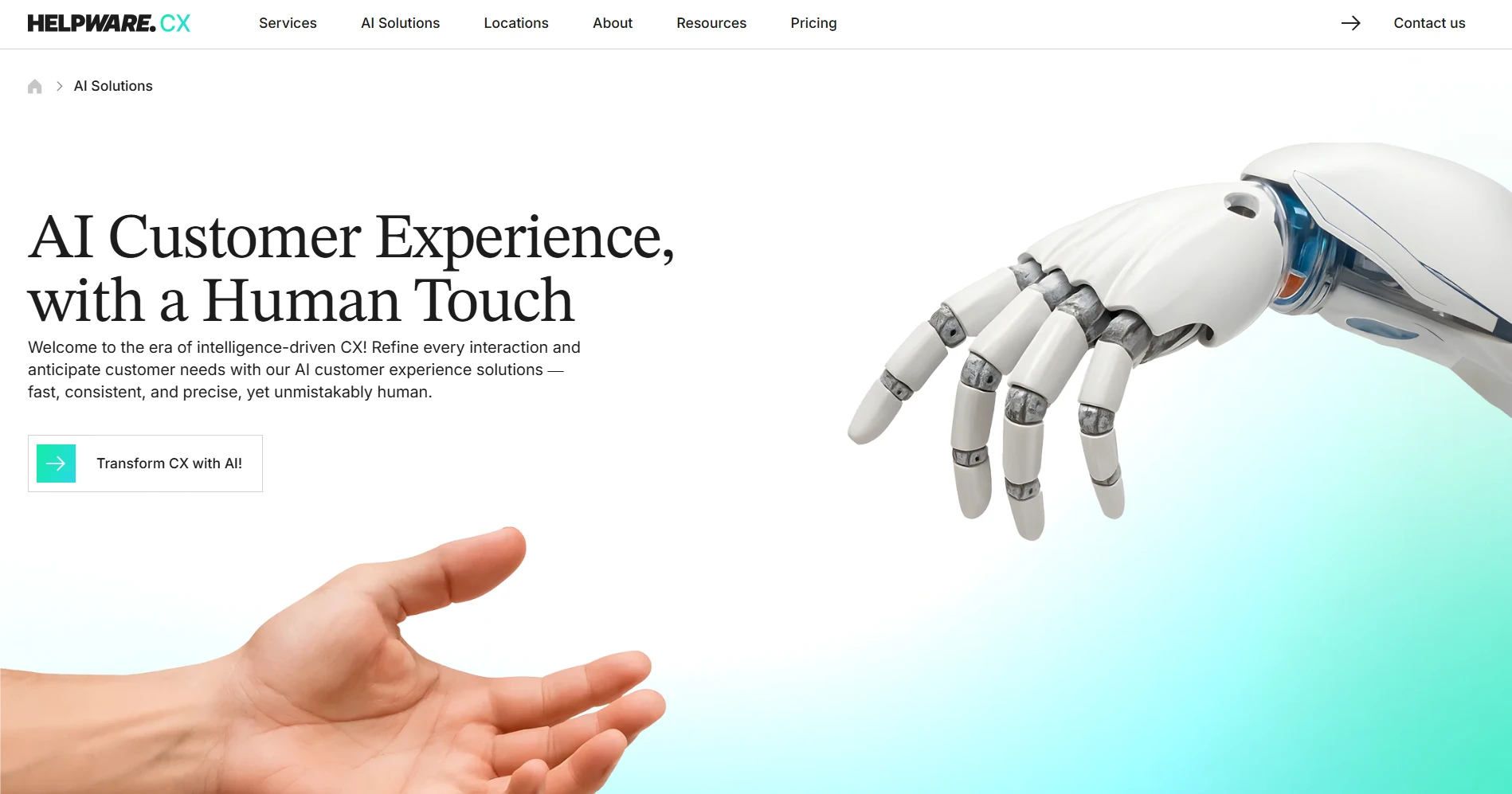
Best for: Teams whose limit is the operation, not the tool.
Helpware is a managed customer experience provider, not a help desk platform. Its teams work inside your existing platform, whether that stays Zendesk or becomes one of the alternatives below. Founded in 2015 and headquartered in the US, Helpware has more than 4,000 employees across 19 locations in 11 countries, including more than 3,000 customer experience agents.
The main advantage is operational coverage. Helpware supports email, chat, voice, and social channels, with 24/7 contact center coverage and support in more than 45 languages. It also provides technical support, help desk outsourcing, quality assurance, and AI-supported customer service as part of the managed operation.
Helpware reports 90% CSAT, 86% ESAT, and an average client partnership of more than five years. Its compliance certifications include SOC 2 Type II, ISO 27001, ISO 9001, HIPAA, GDPR, and PCI DSS. Customers named by the company include Zendesk itself, and also Samsara, Headspace, and NexHealth.
The trade-off is the buying process. A managed service requires more planning than signing up for a software subscription, and a small, simple support queue may not need that level of operational support. Helpware also does not change what your help desk software can do. If the platform itself is the problem, a managed team will not fix that.
For teams considering Helpware, a 30- to 60-day pilot or proof of concept can show whether additional coverage, staffing, and operational support improve the queue before making a longer commitment.
2. Freshdesk
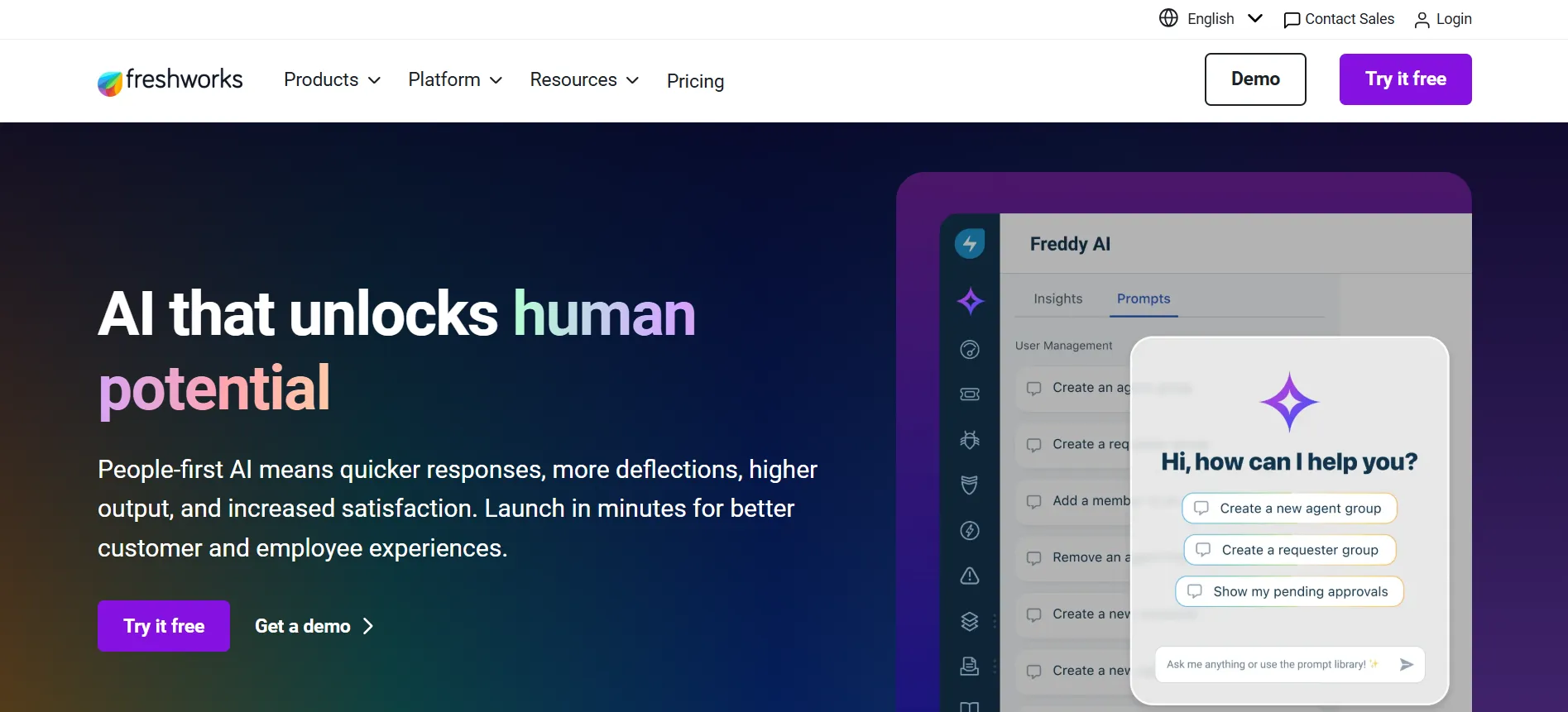
Best for: Teams that want broad help desk functionality with less configuration.
Freshdesk is the closest like-for-like Zendesk alternative on this list. It covers the standard help desk functions most teams expect, including ticketing, automation, reporting, and multiple support channels, while generally requiring less configuration than a heavily customized Zendesk environment.
It makes the most sense when the problem is the platform itself: agents struggle with the interface, administration takes too much time, or the current setup has become more complicated than the team’s needs justify.
The main limitation is customization. Teams with highly conditional workflows, complex fields, or extensive integrations may find the platform less flexible once they move beyond standard configurations.
Before switching, compare the features included at your expected tier and check how AI and other usage-based features are billed.
3. Intercom
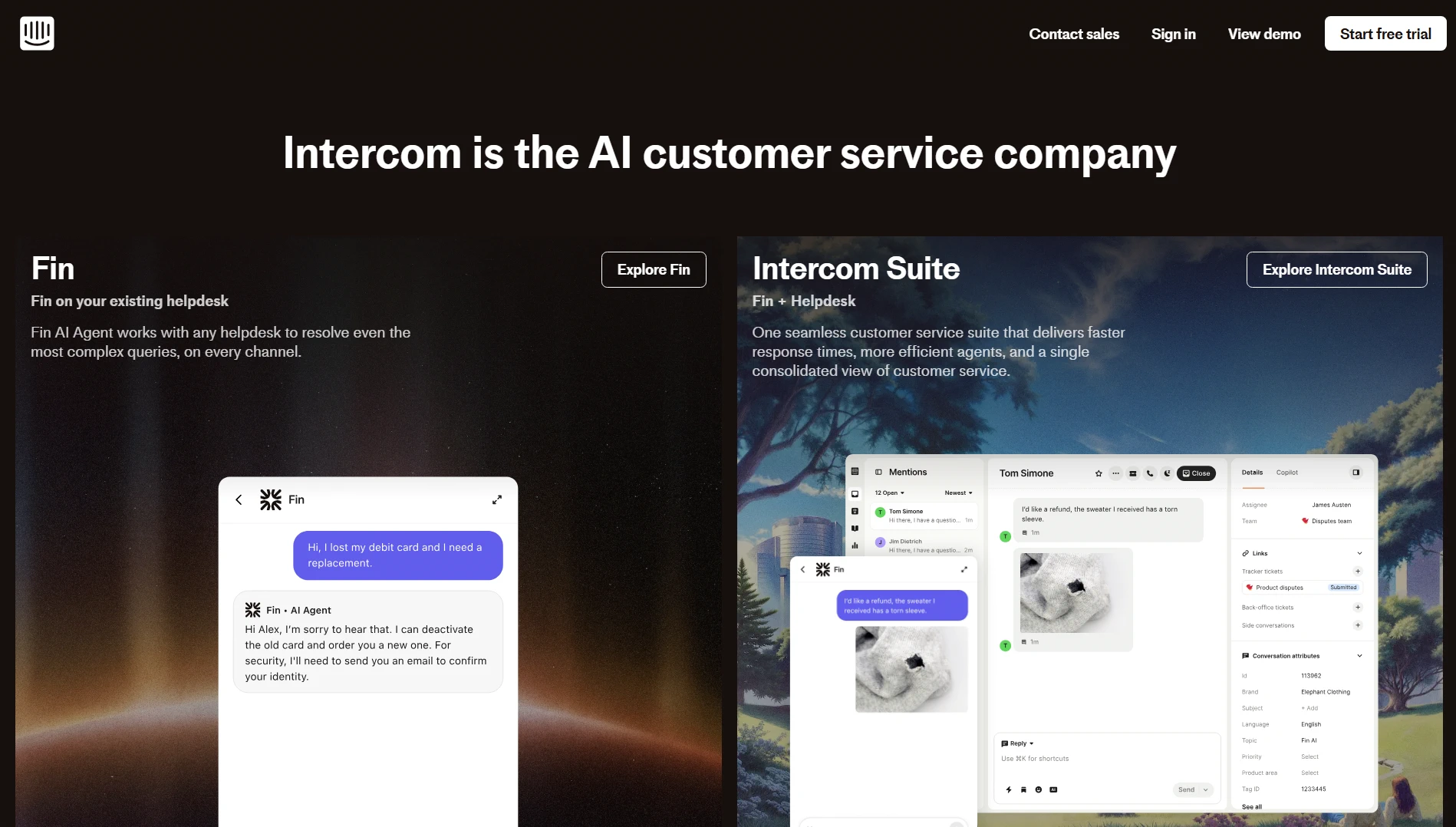
Best for: Product-led companies where in-app chat is a major support channel.
Intercom grew out of live chat, and that history still shapes the product. It is particularly well suited to companies that communicate with customers inside their product and want support, messaging, and automation in the same environment.
For teams whose support volume is mostly email or more traditional ticketing, the fit is less obvious. Some of Intercom’s strongest capabilities may be less useful if customers rarely interact through the product.
AI is another cost to model carefully. Check how Fin and other AI features are charged and estimate usage based on your expected resolution volume in addition to the number of agents.
4. Salesforce Service Cloud
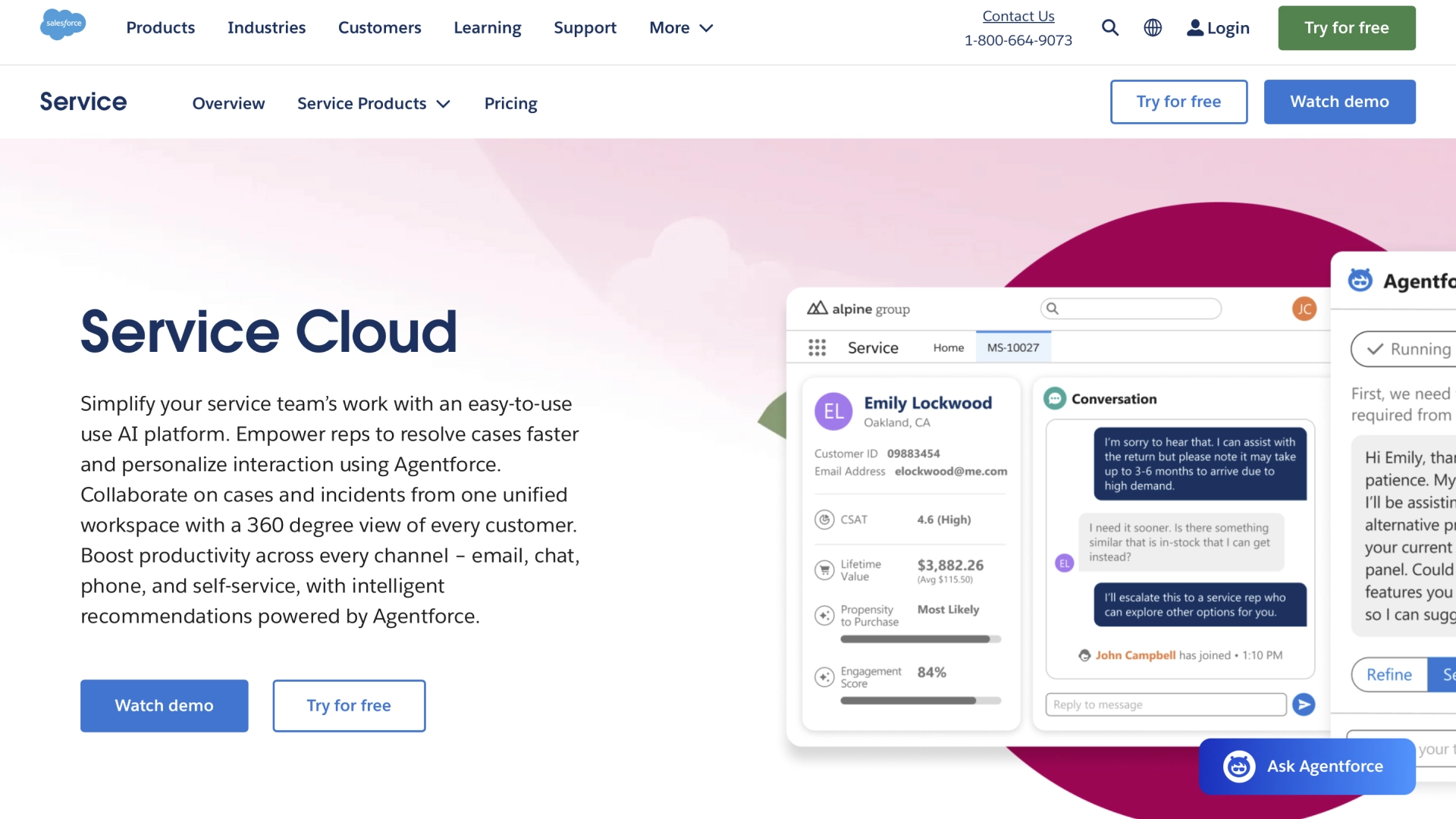
Best for: Enterprises already standardized on Salesforce.
Service Cloud makes the strongest case when Salesforce is already the company’s system of record. Keeping customer, sales, and service information within the same ecosystem can reduce integration work and give agents more context when handling an interaction.
That comes with more implementation and administration than a simpler help desk. Large deployments may require dedicated Salesforce administrators, extensive configuration, and a longer rollout.
Before choosing Service Cloud, calculate the full licensing cost and the internal administration required after implementation. The platform can make sense for a Salesforce-heavy organization even when it is excessive for a smaller support team.
5. HubSpot Service Hub
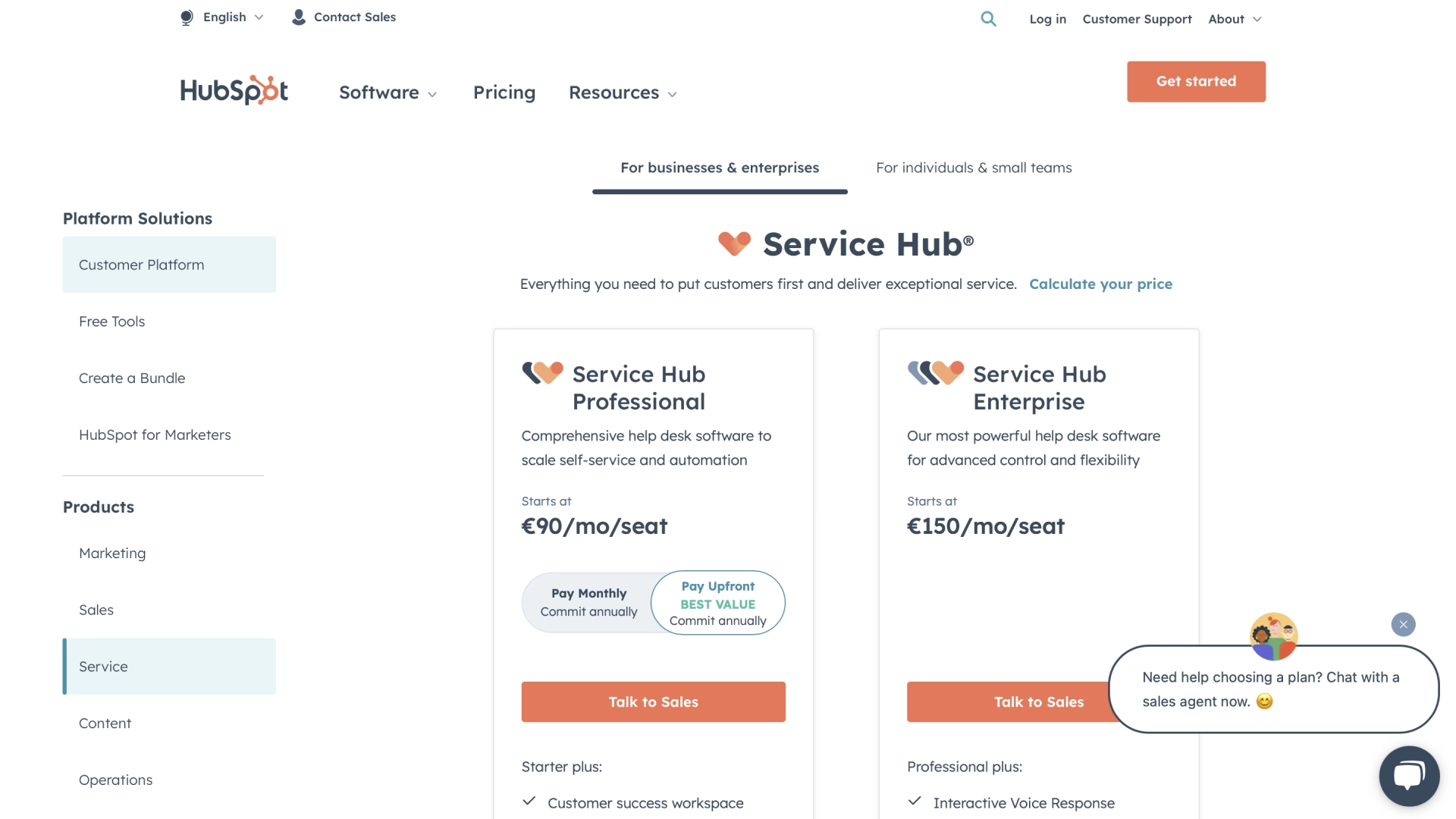
Best for: Teams already using HubSpot for marketing and sales.
Service Hub is most useful when the rest of the customer relationship already lives in HubSpot. Support agents can work with the same customer information used by sales and marketing, reducing the need to connect separate systems.
The trade-off is similar to Salesforce, although at a different scale. A company buying Service Hub without using the rest of the HubSpot platform may not get enough value from that shared customer record to justify the cost.
Check seat requirements, available features at your chosen tier, and any onboarding costs before comparing it directly with a standalone help desk.
6. Zoho Desk
Best for: Budget-conscious teams that still need a full help desk.
Zoho Desk covers the standard help desk requirements at a lower price point than many enterprise-oriented platforms. It also fits naturally with the wider Zoho ecosystem, which can make it attractive to companies already using Zoho products.
The lower entry price, however, means that some useful features are not included at the first tier. Teams often need to move up the pricing structure for additional capabilities, and some buyers may find the interface less modern than newer competitors.
Compare the features available at the tier you would actually buy, not the lowest advertised price.
7. Help Scout
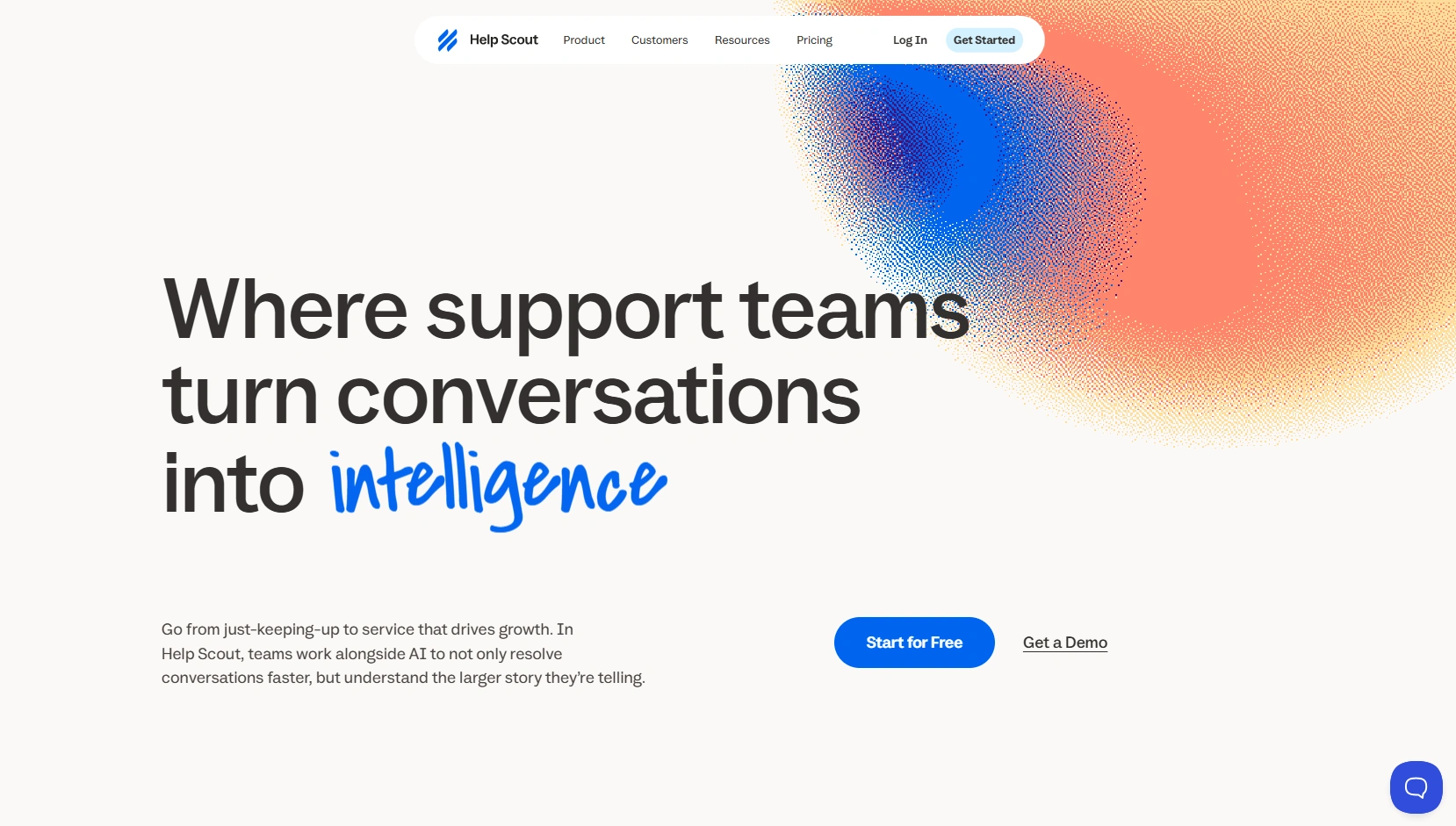
Best for: Teams that want customer support to feel more like email than traditional ticketing.
Help Scout is built around a simpler support experience. Conversations can feel more like an ongoing customer relationship than a series of ticket numbers, which can work well for smaller teams and businesses where personal communication matters.
It is less suited to organizations that need extensive routing, deep workflow customization, community forums, or a broad native contact center. Voice support, for example, relies on integrations and is not the center of the platform.
Check which channels and reporting features are included in the plan you need, and which require integrations.
8. Gorgias
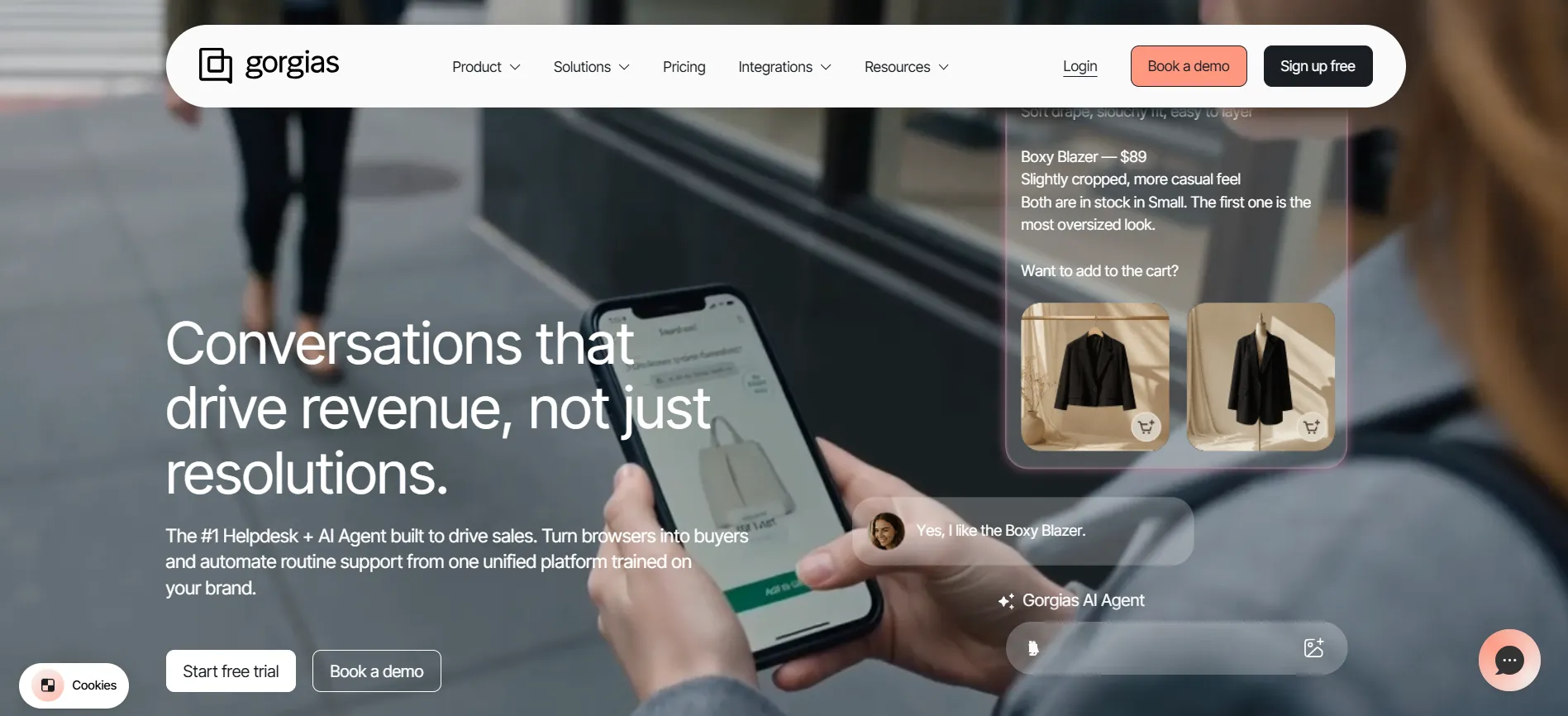
Best for: Ecommerce brands using Shopify and similar platforms.
Gorgias is built around the needs of online merchants. Its ecommerce integrations let support agents see customer and order information and take actions such as handling refunds without switching between multiple systems.
That specialization is also its limitation. Businesses outside ecommerce will have little use for many of those integrations, while brands with highly variable ticket volume need to pay close attention to how pricing changes as volume increases.
If your support volume is seasonal, model the cost against your busiest month instead of your annual average.
9. Kustomer
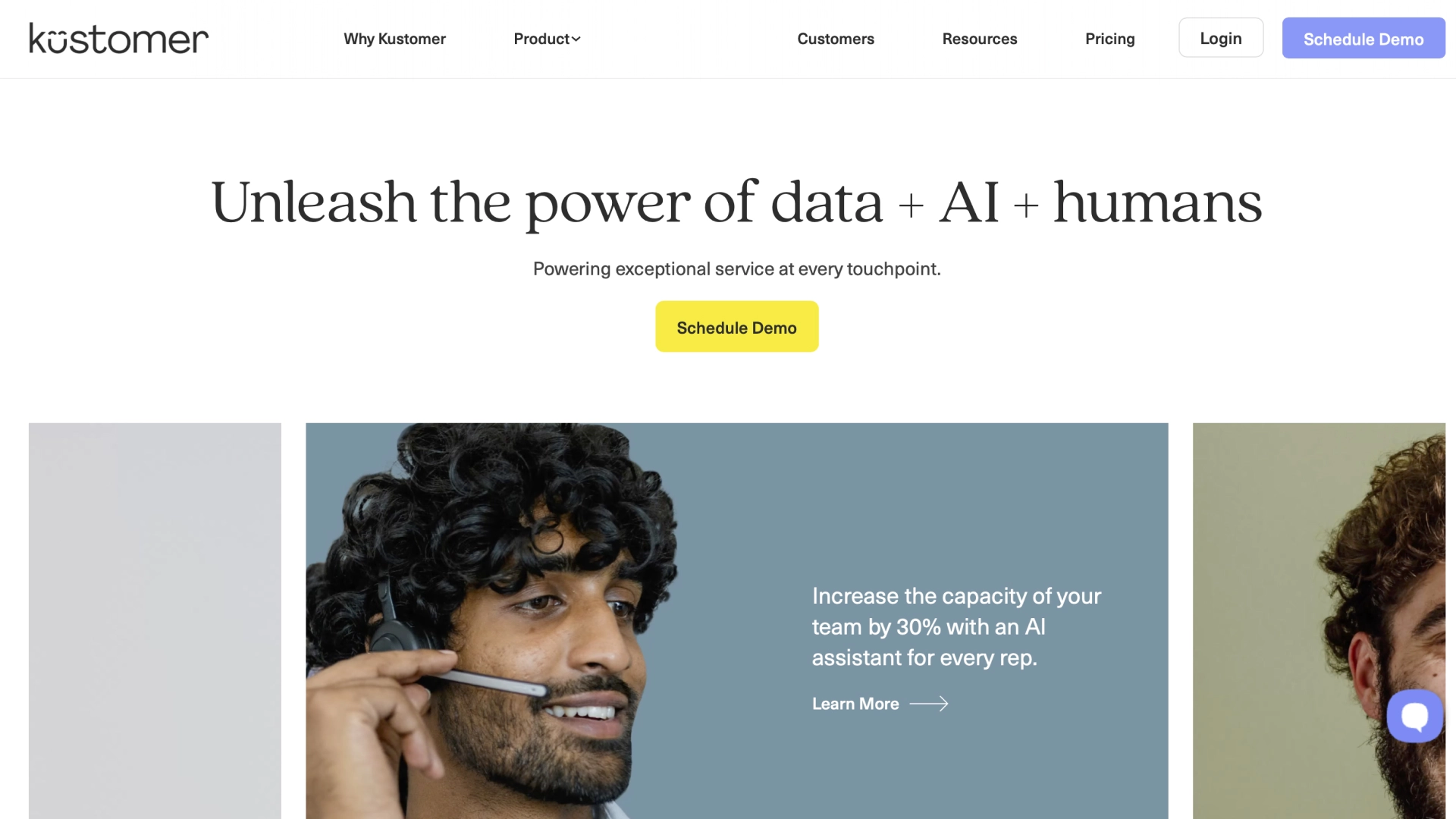
Best for: High-volume consumer brands that need a complete view of each customer.
Kustomer organizes support around the customer instead of treating each ticket as a separate record. That timeline can be useful when a customer contacts a brand through several channels and agents need to see the full interaction history.
The platform is less compelling for small teams or B2B companies with simpler support needs. Seat requirements and the overall focus on consumer brands can also make it more expensive than a straightforward help desk for a smaller operation.
Check the minimum seats and calculate the effective per-agent cost for your actual team size.
10. Front
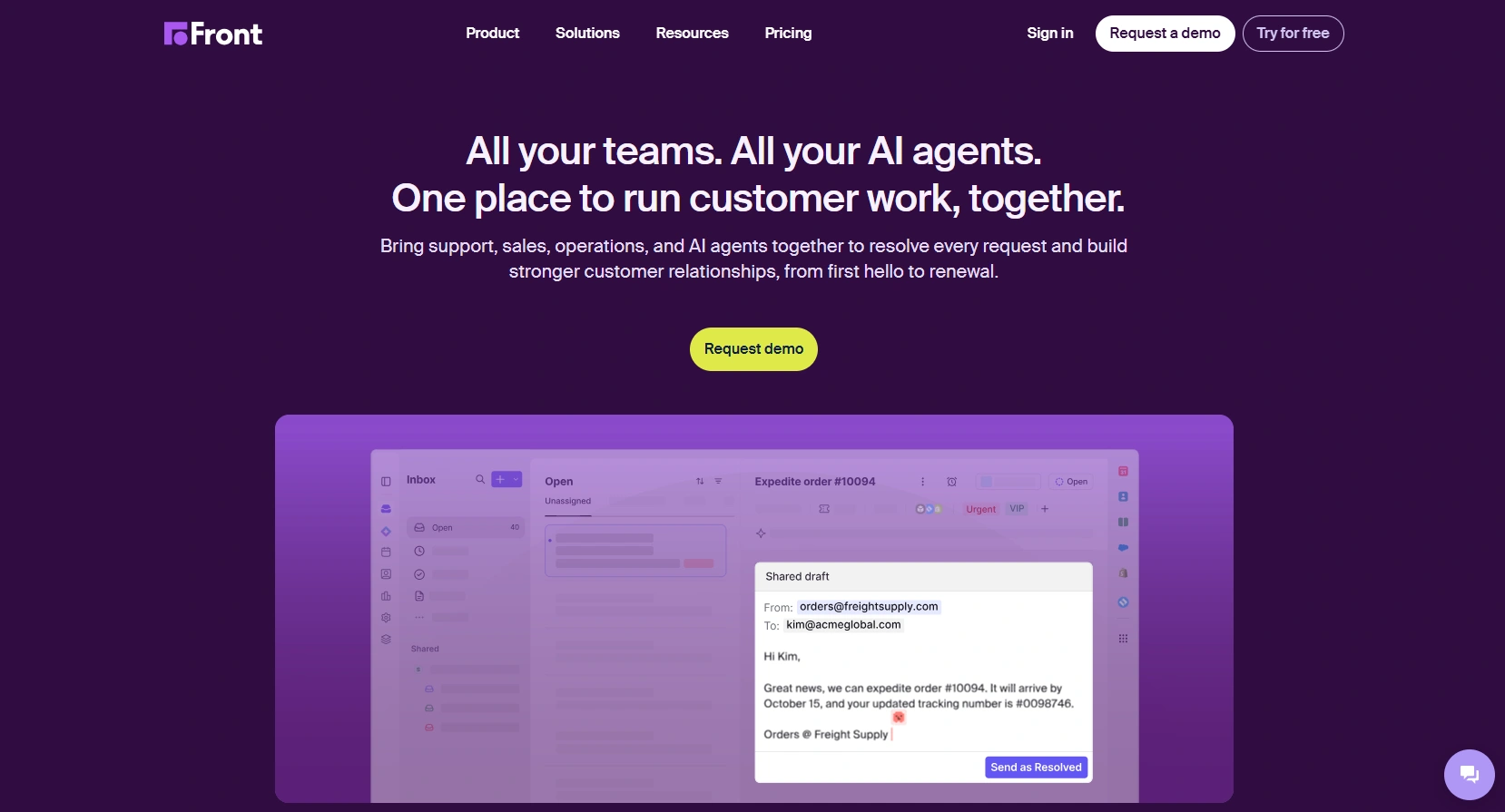
Best for: Teams that organize support around shared inboxes and collaboration.
Front takes a shared-inbox approach to customer communication. It works well when agents need to coordinate around messages, assign conversations, and collaborate without making traditional ticketing the center of the workflow.
Teams that need advanced SLA enforcement, queue management, or a more traditional self-service help desk may find it less complete than platforms designed specifically around those functions.
Before choosing Front, check how its SLA and reporting capabilities map to the way your team currently manages queues and service levels.
Compliance Requirements That Narrow This List Fast
If you work in healthcare, financial services, or payments, compliance can rule out options before features matter. Check each vendor’s trust or security pages before adding a platform or provider to your shortlist. Zendesk publishes its information through the Zendesk Trust Center, and other established vendors should provide comparable documentation.
Ask for written evidence of the following:
- SOC 2 Type II report, including the observation period. A Type I report is not the same thing.
- ISO 27001 certificate, including its scope. The scope determines which services and workloads it covers.
- HIPAA position, including whether the vendor will sign a business associate agreement and which products or plans are covered.
- PCI DSS coverage, at the level that matches how card data moves through your support workflow.
- GDPR and data residency, including where data is stored and processed.
- Subprocessor list, so you know which other vendors may handle your data.
Do not rely on a certification logo alone. Confirm what the certification covers, which product or service it applies to, and whether it matches your specific use case.
Quick Picks by Situation
- Your queue outgrew your team → Helpware
- You want Zendesk-level breadth with less setup → Freshdesk
- Chat inside your product is the main channel → Intercom
- Salesforce is your system of record → Salesforce Service Cloud
- HubSpot runs your marketing and sales → HubSpot Service Hub
- Budget is the deciding factor → Zoho Desk
- You want support to feel like email → Help Scout
- You sell on Shopify → Gorgias
- You have a high-volume consumer operation → Kustomer
- Your team works from shared inboxes → Front
Getting the Decision Right
The right Zendesk alternative depends on what is actually limiting your support operation.
If the platform is causing the problem, compare the nine software options on functionality, total cost, administration, and compliance. If staffing, coverage, or support volume is the bigger constraint, changing platforms leaves the underlying problem untouched.
For teams that need additional capacity, Helpware provides managed support inside the platform they already use. Its 30- to 60-day pilots can give teams a way to test the model before committing to a larger transition.
Talk through your queue with us. Book a consultation and bring your recent volume, coverage, and cost-per-contact numbers. We can help determine whether the bigger need is a platform change or additional support capacity.