






AI is changing what companies expect from their contact centers, but buying the software is becoming easier than figuring out what you actually need. There are more AI-powered platforms than ever, and most promise some combination of automation, agent assistance, better quality, and lower costs. The harder question is which capabilities will make a meaningful difference in your operation, and which ones will simply add another line to the technology budget.
That question matters because the pressure to adopt AI is coming from both the business and the customer service side.
- Gartner surveyed 321 customer service and support leaders in October 2025 and found that 91% face organizational pressure to implement AI in 2026.
- Gartner also expects more than 50% of customer service organizations to double their technology spend by 2028 without an equivalent reduction in talent costs.
- Forrester predicts 30% of enterprises to build parallel AI functions, with people responsible for onboarding and coaching AI agents, tuning their performance, and stepping in when the technology cannot resolve an issue.
So choosing an AI call center platform is no longer just a question of features or license price. You also need to consider how much of the work the software can actually handle, what it takes to integrate and operate it, how the pricing changes as usage grows, and whether your team has the capacity to make the technology work.
This guide compares 10 of the leading AI call center platforms for 2026, explains what to look for before you buy, and breaks down the costs hidden behind the per-seat price. It also looks at an option that is easy to overlook when the real constraint is not software at all, but the people needed to run the operation.
Key Takeaways
- The cheapest license is not always the lowest-cost option. Your year-one budget also needs to account for AI usage, implementation, integrations, and the people who operate the platform.
- The right platform depends on your operation. Enterprise suites offer greater depth and configuration, while quick-deploy tools prioritize speed and simplicity.
- AI capabilities vary significantly across platforms. Some focus on autonomous resolution, others on agent assistance, quality assurance, analytics, or workforce management.
- Pricing models matter when volume changes. Per-seat pricing can work well for steady teams, while usage-based pricing can make more sense when demand is seasonal or unpredictable.
- Software is only part of the solution. You still need people to configure, monitor, train, and improve the AI and the operation around it.
The 10 Best AI Call Center Platforms at a Glance
| Platform | Best for | Standout AI capability | Pricing model |
|---|---|---|---|
| NiCE CXone Mpower | Enterprise QA and workforce management | Automated scoring across all interactions | Published per-agent tiers + consumption |
| Genesys Cloud CX | Large-scale omnichannel routing | Predictive routing and workforce engagement | Published tiers + AI add-on |
| Five9 | Blended inbound and outbound operations, including regulated work | Intelligent Virtual Agent for autonomous resolution | Published entry tiers; higher tiers by quote |
| Talkdesk | Configurable mid-market and enterprise workflows | Agent assist plus pre- and post-contact automation | Published per-user tiers |
| Amazon Connect | Usage-based pricing and engineering-led teams | AI capabilities included in the per-interaction rate | Pay-as-you-go, with no seat license |
| Dialpad | Fast deployment for small support teams | Real-time transcription and predictive CSAT | Published per-user tiers |
| Zendesk | Teams that use the ticket as the system of record | Native voice AI agents within the resolution platform | Published per-agent tiers |
| RingCentral | Businesses consolidating their phone system and contact center | Live transcription, translation, and call summaries | Published per-user tiers |
| Aircall | Small sales and support teams that work in a CRM | Transcription and summaries pushed into the CRM | Published per-license tiers |
| CloudTalk | SMB teams with outbound-heavy calling | AI voice agents plus power and parallel dialing | Published per-user tiers |
Which Platform is Right for your Needs
There is no single best AI call center platform for every operation. The right choice depends on what you need the software to do, how complex your workflows are, and how much control your team wants over the platform. The 10 options below each stand out for a different use case, from enterprise routing and automated quality assurance to fast deployment and outbound sales.
- NiCE CXone Mpower for automated quality assurance across every interaction
- Genesys Cloud CX for enterprise-scale omnichannel routing
- Five9 for autonomous resolution in compliance-heavy inbound and outbound operations
- Talkdesk for teams that need to customize workflows around their processes
- Amazon Connect for spiky, seasonal, or unpredictable call volume
- Dialpad for support teams that want to deploy AI quickly
- Zendesk for support organizations already built around Zendesk tickets
- RingCentral for businesses that want to combine their phone system and contact center
- Aircall for growing teams that work primarily in HubSpot or Salesforce
- CloudTalk for outbound-heavy SMB sales teams
How We Chose: The Criteria We Used
We based our list on six criteria.
| Criterion | Weight | What we looked at |
|---|---|---|
| AI depth | 25% | Autonomous resolution, real-time agent assist, and automated scoring. Not just a chatbot bolted onto legacy telephony. |
| Quality assurance coverage | 20% | Share of interaction volume scored automatically and whether scorecards can be customized to your criteria. |
| Total cost transparency | 20% | Published rates, clarity around consumption billing, and disclosed implementation fees. |
| Compliance posture | 15% | SOC 2, HIPAA, PCI DSS level, GDPR terms, and data residency controls. |
| Integration depth | 10% | Native connectors to major CRM and helpdesk systems versus API-only integrations. |
| Deployment fit | 10% | Whether both a 20-seat team and a 2,000-seat operation can get value from the platform. |
What AI Call Center Software Actually Does in 2026
AI call center software uses natural language processing, large language models, and agentic workflow automation to handle customer interactions across voice and digital channels. In practice, these capabilities fall into three main areas: customer-facing AI, agent-facing AI, and tools that help managers understand and improve the operation.
Customer-facing AI handles conversations directly with customers. An intelligent virtual agent can answer questions, check an order status, process a return, and resolve routine requests without a human agent. Gartner predicts that agentic AI will autonomously resolve 80% of common customer service issues by 2029, cutting operational costs by 30%.
Agent-facing AI works alongside human agents. It transcribes calls in real time, surfaces relevant knowledge base articles, flags potential compliance risks during the conversation, and writes a summary to the CRM before the interaction ends.
Manager-facing AI gives leaders a view of the operation as a whole. It can score every interaction instead of a small sample, identify sentiment trends across thousands of calls, and show which issues or objections are affecting outcomes.
The distinction matters when you compare platforms. A platform that excels at analytics and quality management may not be the strongest option for autonomous resolution, while a platform built around autonomous AI may offer less mature workforce management and forecasting.
What to Look For: 8 Capabilities That Matter
Not every platform that adds AI to a contact center offers the same level of automation. When you compare vendors, focus on what the AI can actually do and how well it fits into your existing operation.
- Autonomous resolution, not just deflection. Deflection moves a call out of the queue. Resolution completes the customer’s request. Ask the vendor for its containment rate and its rate of repeat contact within 48 hours.
- Automated scoring across the full interaction volume. Manual review covers only a small sample. Ask what percentage of interactions the platform scores without human input and whether you can customize the scorecard.
- Real-time agent assist. Look for prompts and recommendations during the call, not just a report delivered the next morning.
- Sentiment-triggered escalation. Define the triggers yourself, such as repeated misunderstanding, sustained negative sentiment, or an explicit request for a person. Confirm that the transcript and conversation context carry over with the handoff.
- Native integrations. An API-only connection to your CRM can add engineering work that your rollout estimate may not account for.
- Multilingual support. Confirm which languages the platform supports and whether real-time translation extends to agent assist or stops at the self-service bot.
- Redaction and retention controls. Look for automated redaction of card numbers and health information, along with retention policies you can configure.
- Regional data controls. Ask where transcripts are stored and processed and whether you can restrict data to a specific region.
What AI Call Center Software Really Costs in Year One
Most software comparisons lead with a per-seat price. That number tells you what the license costs, but not what you will actually spend in year one. Implementation, integrations, AI usage, and the people needed to operate the system can add a significant amount to the bill.
For a realistic year-one estimate, we break the cost into five categories. The software license is only one of them.
| Cost line | What drives it | Typical share of year one |
|---|---|---|
| Platform licenses | Seat count × tier | 30–40% |
| AI consumption | Minutes, interactions, or tokens billed above the base tier | 10–25% |
| Implementation and configuration | Routing design, scorecard build, testing | 10–20% |
| Integration engineering | CRM, EHR, billing, and data warehouse connections | 5–15% |
| Operating team | AI trainers, prompt and workflow owners, QA calibrators | 15–30% |
That last category is the one buyers often overlook. Forrester predicts that 30% of enterprises will create parallel AI functions with people responsible for coaching AI agents, optimizing their performance, and stepping in when the technology gets stuck. The implication for buyers is straightforward: AI does not eliminate the need for an operating team. It changes what that team needs to do.
Worked example: a 60-seat support operation
Take a mid-market team with 60 agents handling roughly 100,000 voice minutes a month. Depending on the platform and pricing tier, the annual software license can reach six figures before you add AI consumption, implementation, integrations, or internal staffing. Add a scorecard build, two system integrations, and a two-person team responsible for prompts, escalation rules, and calibration, and the license is no longer the only cost worth negotiating.
One exception is worth modeling: Amazon Connect Customer
Amazon Connect Customer uses a consumption-based model rather than seat-based licensing. AWS currently lists $0.038 per voice minute, $0.010 per chat message, $0.014 per SMS or third-party messaging message, and $0.080 per email. AWS says these channel prices include the platform’s AI capabilities, with no separate AI license fee. Standard telephony charges and other third-party costs can still apply.
For a team whose volume varies significantly by season, that model means you are not paying for a fixed number of seats during slower periods. The tradeoff is that you still need the technical resources to configure, integrate, and operate the platform.
The 10 Best AI Call Center Software Platforms, Ranked
1. NiCE CXone Mpower

Best for: Large or compliance-heavy contact centers that need robust quality assurance and reporting.
NiCE CXone Mpower puts quality management and workforce optimization at the center of the platform rather than treating them as add-on modules. It automatically scores interactions at scale and combines that coverage with analytics designed for the reporting needs of large contact centers, including audits and workforce planning.
Standout AI: Automated quality assurance across the full interaction volume, replacing the limited sample most centers review manually.
Pricing model: Published per-agent tiers with consumption-based AI pricing above the base plan.
Not ideal if: You run a small team that will not use enough of the platform to justify the cost and implementation effort.
2. Genesys Cloud CX
Best for: Enterprise omnichannel operations with large-scale routing requirements.
Genesys built its reputation on routing, and Cloud CX carries that strength forward with predictive routing that matches customers with the best available agents. Workforce engagement management is another core strength rather than an add-on.
Standout AI: Predictive routing and real-time analytics across voice and digital channels.
Pricing model: Published tiers covering voice-only through full CX with AI, plus an AI add-on where it is not bundled.
Not ideal if: Your admin team lacks Genesys experience. The platform has a steep learning curve for administrators.
3. Five9
Best for: Compliance-sensitive contact centers handling high inbound and outbound volumes.
Five9 combines blended inbound and outbound operations with AI designed to resolve routine requests rather than simply route them. Its Intelligent Virtual Agent handles routine calls end to end, while real-time transcription and agent assist provide next-best-action prompts during the conversation. For teams handling payment data, Five9 documents Level 1 PCI DSS Service Provider status with an annual assessment covering all 12 requirements, which is relevant to both outbound collections and inbound support.
Standout AI: Autonomous resolution through the Intelligent Virtual Agent, with post-call summaries feeding into quality management.
Pricing model: Published entry tiers for digital and voice; higher tiers require a custom quote.
Not ideal if: You run a very small team that cannot justify the platform’s cost and operational complexity.
4. Talkdesk

Best for: Mid-market and enterprise teams that need to customize workflows around their processes.
Talkdesk favors flexible building blocks over fixed templates. Its automation can handle steps before, during, and after customer interactions, while its Industry Experience Clouds package functionality for specific sectors. That flexibility gives teams more control, but it also means more configuration and a longer implementation.
Standout AI: Live agent assist combined with end-to-end workflow automation.
Pricing model: Published per-user tiers ranging from digital-only plans to industry-specific packages.
Not ideal if: You need to go live within days.
5. Amazon Connect
Best for: Teams with engineering capacity and call volume that varies significantly by season.
Amazon Connect uses a different pricing model from the other platforms on this list. AWS bills by usage rather than by seat, and its current Amazon Connect Customer pricing includes AI capabilities in the channel rates rather than charging a separate AI license. AWS also lists Amazon Connect as HIPAA eligible and supports compliance requirements including PCI DSS, FedRAMP, SOC, ISO 27001, and GDPR.
Standout AI: AI capabilities included in the usage-based channel pricing rather than sold as a separate tier.
Pricing model: Pay-as-you-go by channel, as detailed in the cost section above.
Not ideal if: You do not have engineering resources. Amazon Connect requires you to build and configure much of the environment yourself.
6. Dialpad
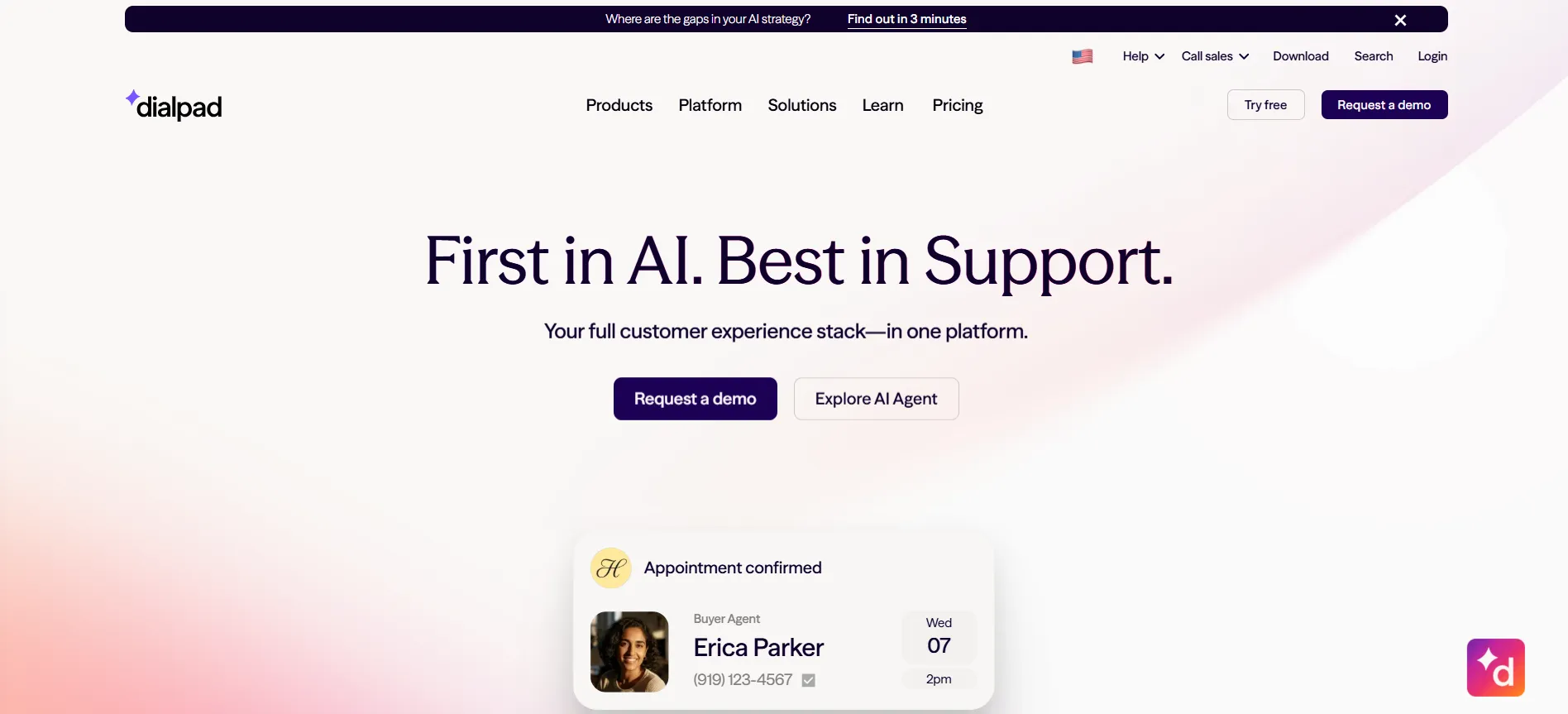
Best for: Smaller sales and support teams that want to deploy AI quickly.
Dialpad includes conversational AI, live transcription, and predictive CSAT, allowing a support lead to get a working deployment up and running without a systems integrator. That speed comes from preconfigured defaults rather than extensive customization.
Standout AI: Real-time transcription on every call with predictive CSAT scoring.
Pricing model: Published per-user tiers, with quality management and workforce features available on the top plan.
Not ideal if: Your quality assurance requirements call for highly granular custom scorecards.
7. Zendesk
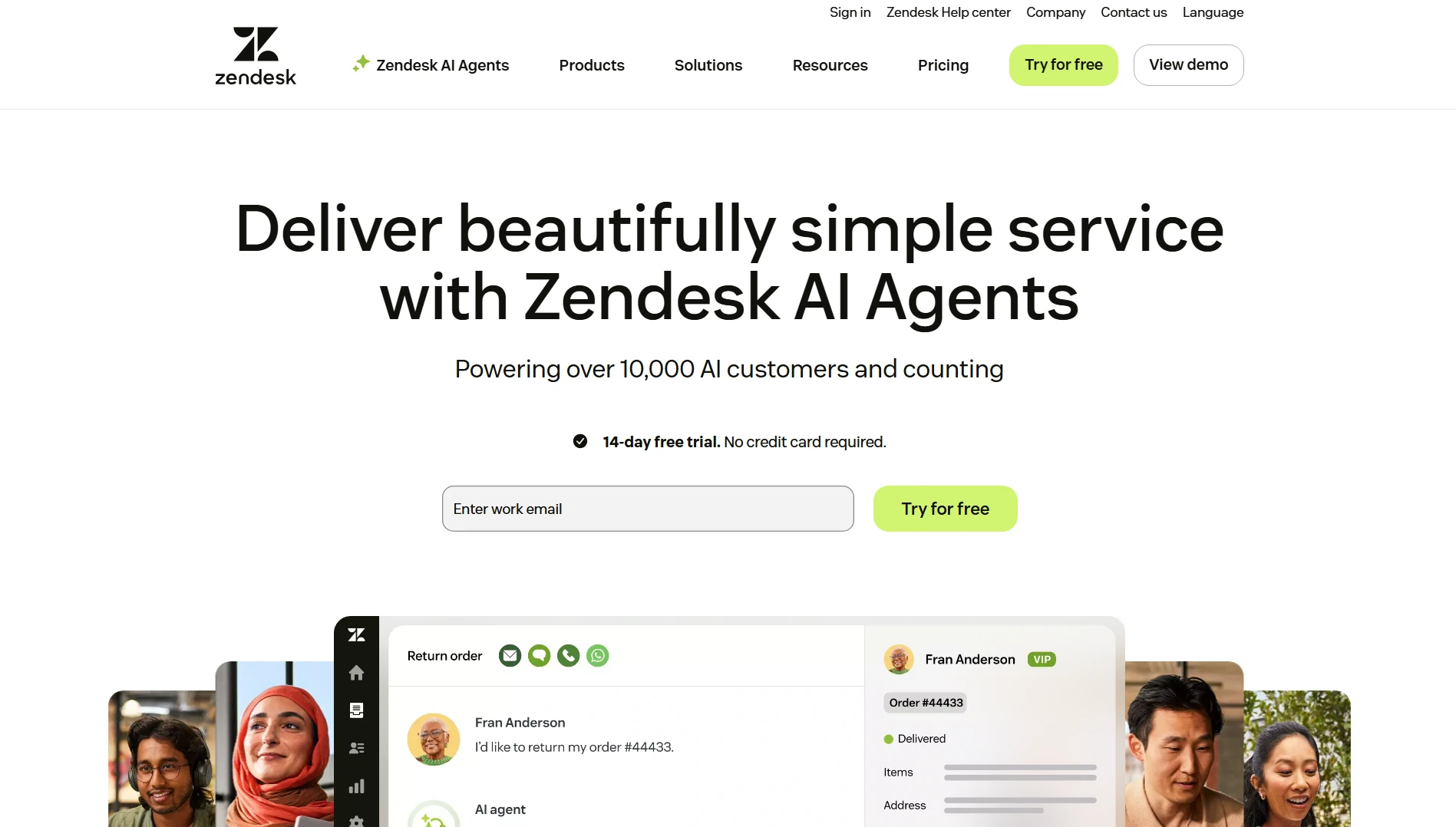
Best for: Support organizations already using Zendesk tickets as their system of record.
Zendesk built voice directly into its resolution platform rather than requiring a separate telephony product. AI agents, Voice Copilot, workforce engagement, and quality assurance are included within the same platform, reducing the integration work required to connect a helpdesk with a standalone contact center.
Standout AI: Native voice AI agents that can use the same knowledge and ticket data as digital channels.
Pricing model: Published per-agent tiers.
Not ideal if: Voice is your dominant channel and you need deep telephony configuration.
8. RingCentral
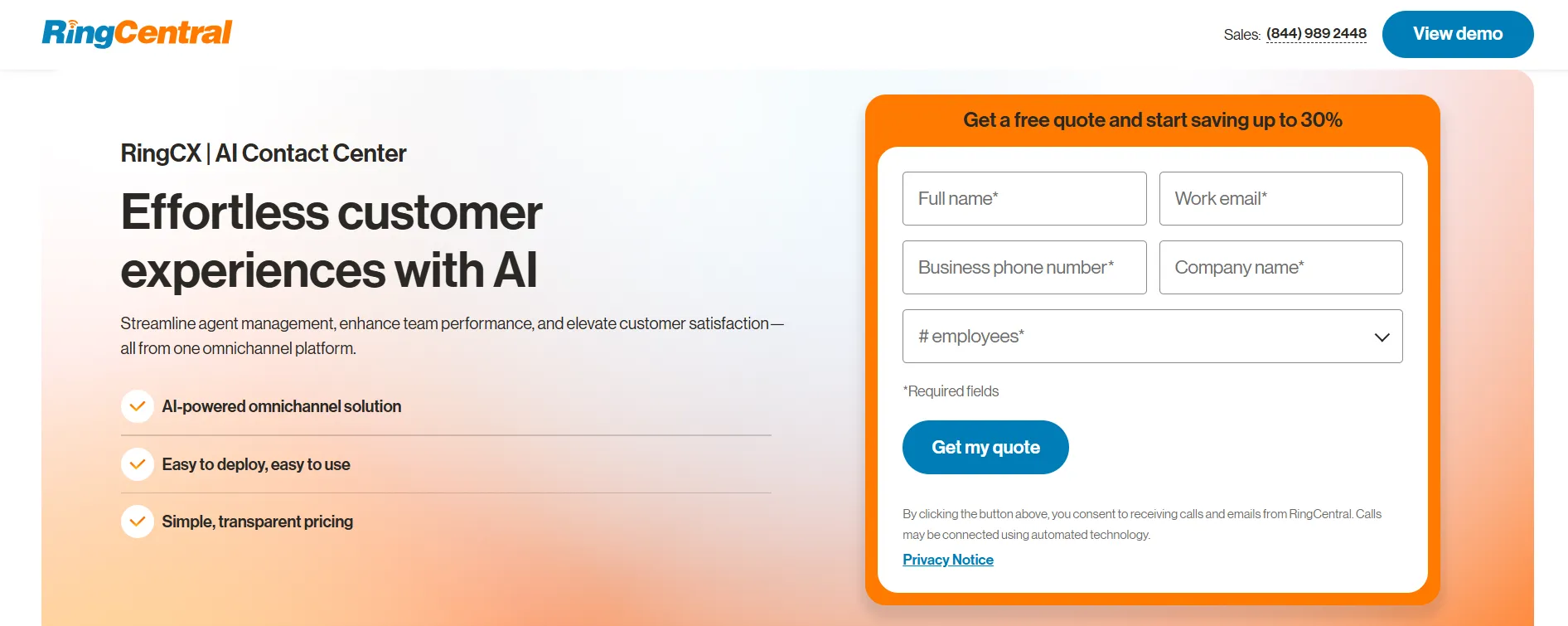
Best for: Businesses that want to consolidate their phone system and contact center under one vendor.
RingCentral approaches the contact center as an extension of its business communications platform. Teams already using its voice, messaging, and video services can add contact center capabilities without managing another vendor relationship or billing system.
Standout AI: Live transcription, AI translation, and intelligent call summaries across the communications stack.
Pricing model: Published per-user tiers.
Not ideal if: Autonomous resolution is your primary requirement.
9. Aircall
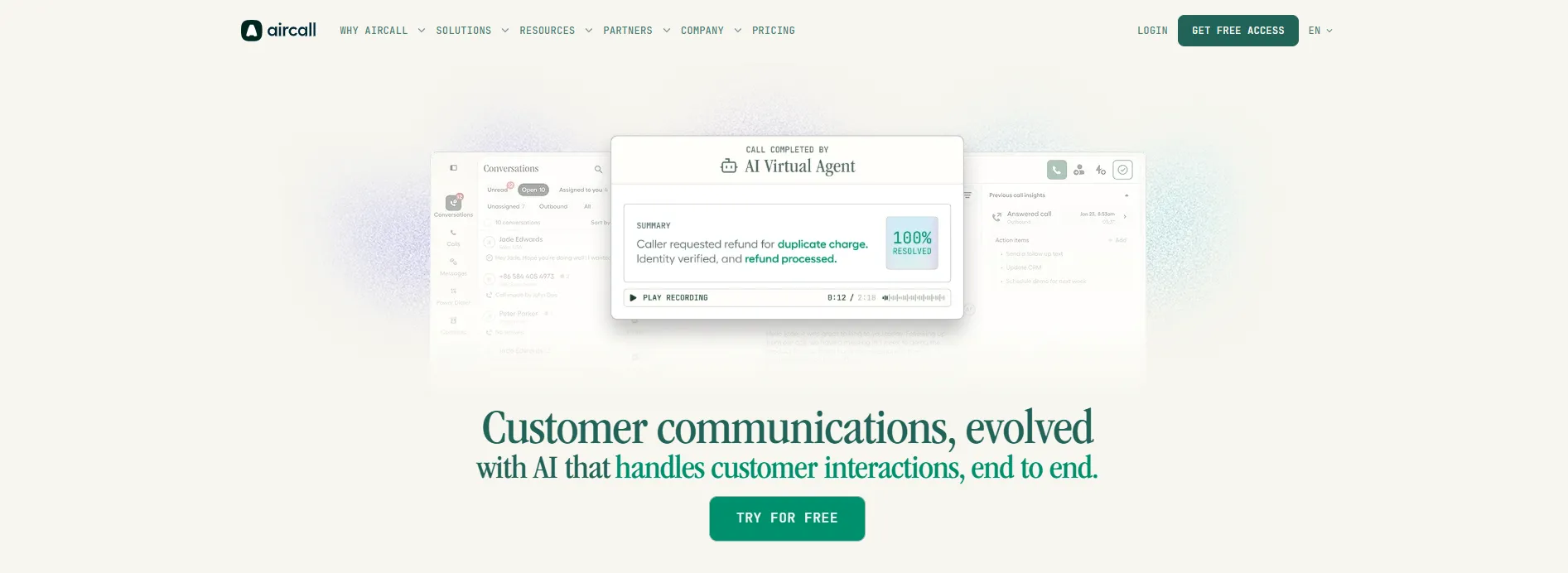
Best for: Small and growing teams that work primarily in a CRM.
Aircall keeps its scope focused. It is a cloud phone system that small teams can deploy quickly, with AI capabilities built into the calling experience rather than added to a broader contact center suite. Its CRM integrations bring transcription and automated summaries directly into the tools reps already use.
Standout AI: Transcription and summaries integrated with HubSpot, Salesforce, and similar systems.
Pricing model: Published per-license tiers with a minimum license count.
Not ideal if: You need deep omnichannel routing or enterprise-level automated quality scoring.
10. CloudTalk
Best for: Outbound-heavy SMB sales teams.
CloudTalk is built around the day-to-day calling workflow. Power and parallel dialing, automatic call notes, CRM logging, and AI voice agents work together in the same workflow, making the platform a strong fit for teams that want to reduce the time between calls and increase calling efficiency.
Standout AI: AI voice agents paired with conversation intelligence and automated multilingual call summaries.
Pricing model: Published per-user tiers with local numbers available across a wide range of countries.
Not ideal if: You need enterprise-level inbound routing and deep workforce management capabilities.
When Software Isn’t the Problem: Platform vs. Managed Operations
Every option above assumes you have the people to run the software you buy.
That assumption does not always hold. Gartner predicts that 50% of organizations will abandon plans to reduce their customer service workforce because of AI. Gartner also projects that generative AI cost per resolution will exceed the cost of an offshore human agent by 2030, with regulation requiring access to human agents pushing organizations to maintain or rehire people.
That leaves a third option alongside building and buying: managed operations.
| You buy a platform | You buy managed operations |
|---|---|
| You own hiring, training, and attrition | The partner owns hiring, training, and attrition |
| You staff prompt owners and QA calibrators | The partner staffs them |
| Cost scales with seats and consumption | Cost scales with the agreed service model |
| You control the roadmap directly | You control the service level agreement, not the roadmap |
| Typical ramp: quarters | Typical ramp: weeks |
| Best when CX is your product | Best when CX is a cost center |
The Managed-Operations Tier
1. Helpware: Best for regulated mid-market operations that need the platform and the team together
At Helpware, we run customer experience operations as a managed service rather than selling software for clients to staff and operate themselves. We have 4,000+ employees across 19 locations in 11 countries and four continents, delivering support in 45+ languages. Our compliance credentials include SOC 2 Type II, ISO 27001, ISO 9001, HIPAA, GDPR, and PCI DSS, which matters when customer interactions involve protected health information or payment data.
Healthcare is one of our strongest areas of experience. We run HIPAA-compliant help desk, clinical scribing, credentialing, insurance verification, and claims processing for telehealth and digital health clients including Headspace, HealthComp, and NexHealth. Our client partnerships average more than five years, compared with an industry norm closer to one or two.
On the AI side, we provide chatbots, voice AI, agent assist, and quality assurance automation as part of the operations we run. Our AI models achieve 95%+ accuracy across natural language processing, computer vision, and predictive analytics. Across our CX operations, we achieve 90% CSAT and 86% employee satisfaction.
Where a platform is a better fit: If you already have a mature contact center operations team and want direct control over routing logic and the product roadmap, buying a platform and running it yourself may make more sense. Managed operations is a better fit when you need the people to run the operation as well as the technology.
2. Other managed and outsourced providers
Teleperformance, Concentrix, TTEC, and TaskUs all operate at greater scale than Helpware. Teleperformance and Concentrix also cover more geographies, while TaskUs has deeper experience with gaming and technology clients. If your priority is high-volume delivery across dozens of markets rather than deep experience in regulated industries, these providers are worth considering.
Compliance Questions to Ask Your Vendor
Generic assurances about enterprise-grade security tell you very little. Take these questions into the vendor call and get clear answers in writing.
On payment data:
- What is your current PCI DSS Service Provider level, and when was the assessment completed?
- Which of the 12 PCI DSS requirements are assessed annually, and which are self-attested?
On health data:
- Will you sign a Business Associate Agreement? If so, which services and data are covered by it?
- Which subprocessors can access transcripts, and are they covered by the same agreement?
On data handling generally:
- Are recordings and transcripts encrypted at rest and in transit?
- Is redaction of card numbers and health information automated or manual?
- In which region is conversation data stored and processed, and can we restrict it to a specific region?
- Which model providers receive our conversation data, and is that data excluded from model training?
- Which security certifications and compliance attestations are current, and when were they last assessed?
Where conversation data is stored and processed can affect which regulatory and data-transfer requirements apply. If a platform processes data outside your required region, it can create GDPR or other data-transfer issues. Treat every unverified security or compliance claim as something to confirm in writing.
How to Choose: A Decision Path
Five questions will narrow the field quickly. Start with the first and work through them in order.
- What is your dominant channel? Voice-heavy operations should prioritize routing and telephony depth. Ticket-heavy operations should prioritize platform-native AI. If you run a blended operation, look for strength in both areas rather than assuming an enterprise suite is automatically the best fit.
- Do you need assist or autonomy? Agent assist is generally the safer choice for complex, high-stakes, or regulated conversations. Autonomous AI can make more sense for high-volume, well-scoped, repetitive requests. Most teams will need both, but not necessarily in the same queues.
- How predictable is your volume? Steady volume favors per-seat pricing. If your volume triples during seasonal peaks, consumption-based pricing may give you more flexibility.
- What is your compliance burden? For regulated work, certification requirements and data residency may outweigh other platform criteria.
- Who runs it on Monday morning? Identify the person responsible for prompts, escalation rules, and scorecard calibration. If that person does not exist and you have no plan to hire them, revisit the managed-operations section above.
Where to Go from Here
Start with the problem you need to solve, then choose the platform that fits it. If quality assurance coverage is the gap, an enterprise suite may be the better fit. If speed is the priority, a quick-deploy platform may make more sense. If your volume is unpredictable, look closely at usage-based pricing.
If the gap is people, no software license solves it.
That is the position we take as the publisher of this guide. At Helpware, we run customer experience operations for regulated mid-market companies that need both the technology and the people to run it. If your project has stalled because of staffing rather than software, talk to our CX team. If you already have the operation and need to add an AI layer, Helpware.AI can add it to your existing operation.